20 E4D NEVO Version 5.0 10822801.C
Time Saver Tools
These Time Saver Tools are recommended for single unit cases. For multiple unit cases and bridges, you
would usually delete more of the model than you would keep. Large gaps in the model are not optimal.
If 50% or more of the model would be removed, it is suggested that you rescan instead of using the Time
Saver feature.
Time Saver: Pre-op
1. Scan the Pre-op with the normal scan pattern. Remember that you can do this while the patient is being
anesthetized.
Time Saver is not recommended for impression scans.
2. Use all of the evaluation and editing tools mentioned above.
Note: ICE and Data Density are available for all scan types.
3. Prepare the tooth.
4. On the Scan tab, click Scan Prep.
A Time Saver message appears. This message appears when the pre-op is scanned rst. The Time Saver
option allows you to duplicate the pre-op model and use the same data for the preparation model.
5. Click OK to use the Time Saver. If you do not wish to use the Time Saver option, the preparation and
proximals can be scanned on their own. The following instructions assume the use of the Time Saver option.
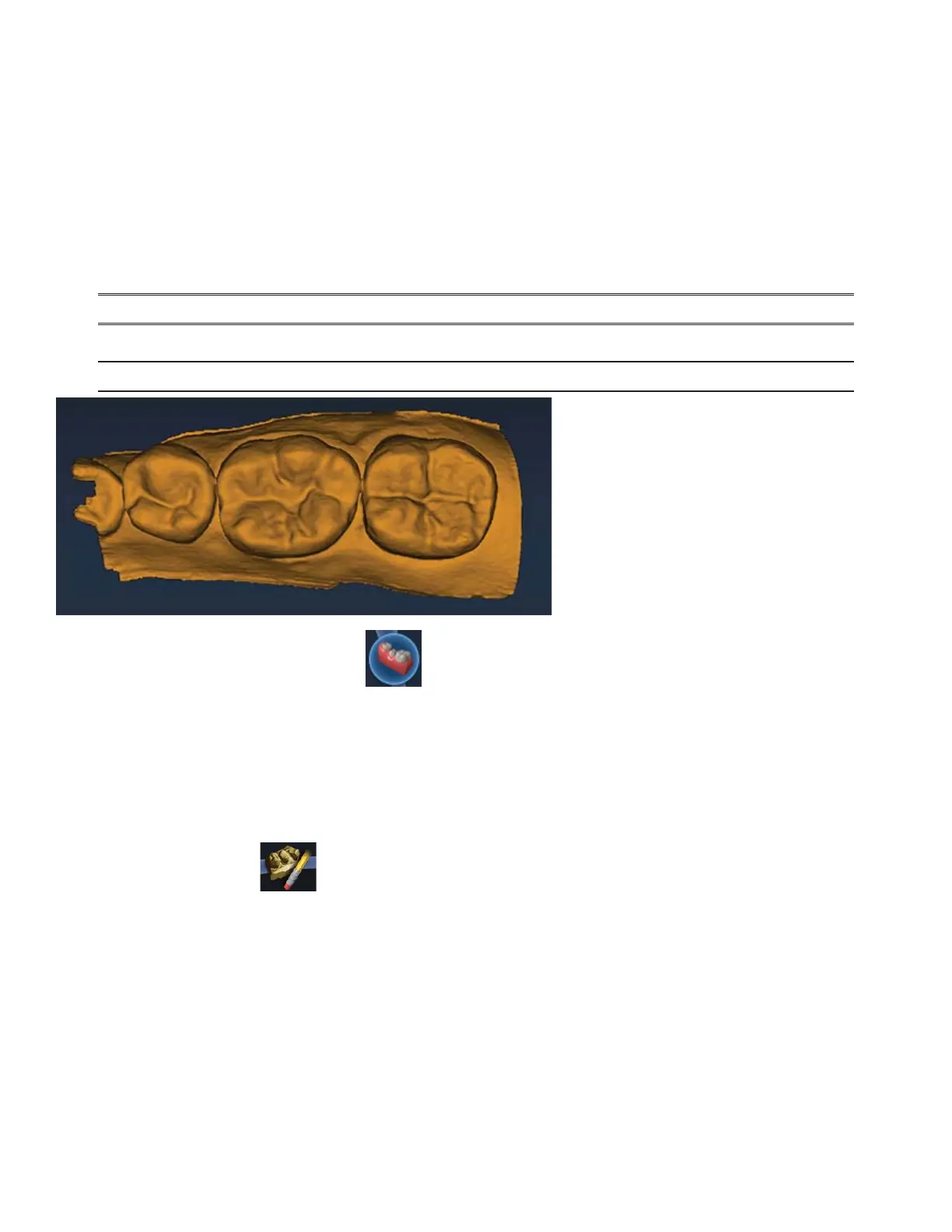
A copy of the pre-op model is created in the preparation model color.
6. Click the Eraser Tool.



 To Next Page