32 E4D NEVO Version 5.0 10822801.C
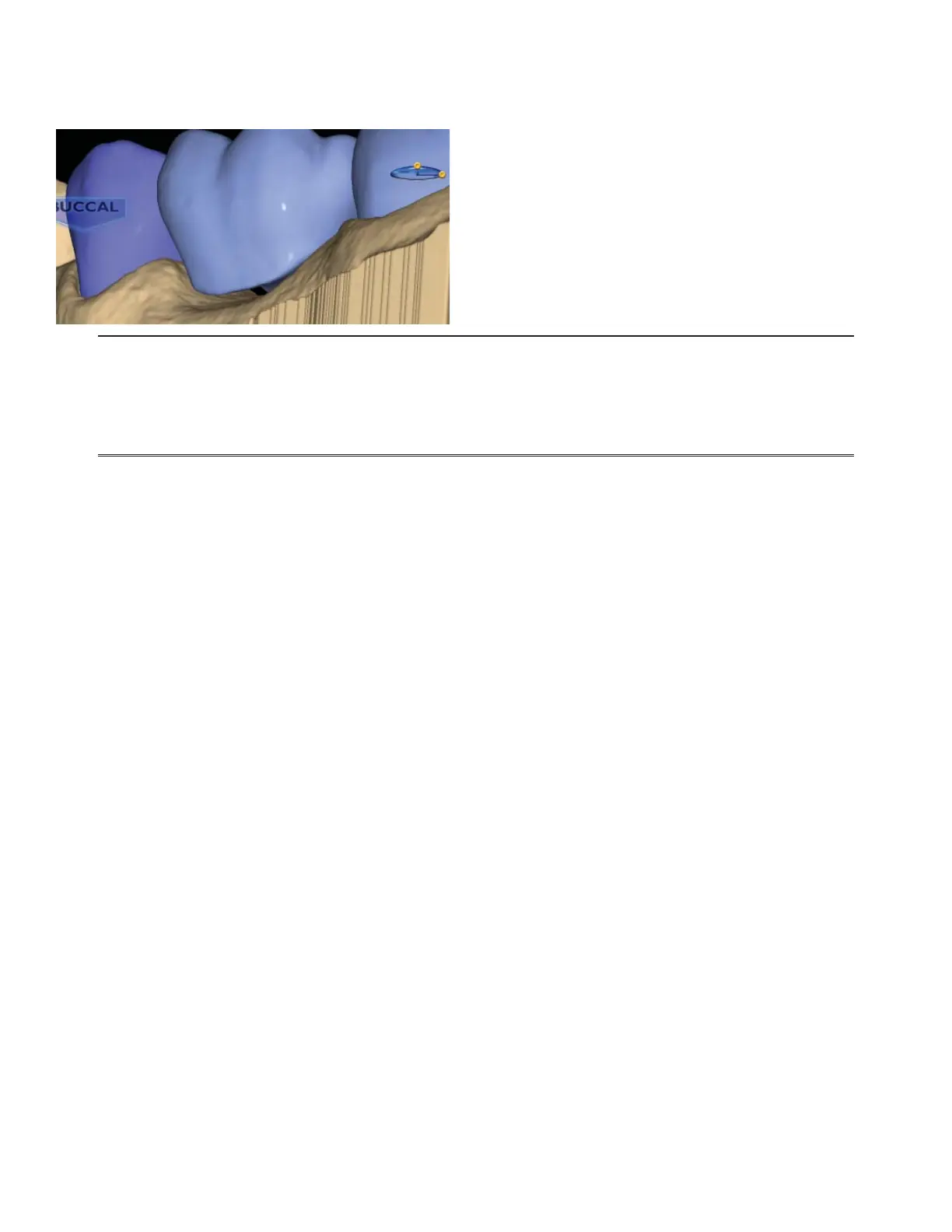
When you rotate the model, you will notice that the pontics have a solid base and are raised above the
gumline (0.75 mm). The gingival aspect of the pontic follows the contours of the edentulous tissue and can
be adjusted utilizing the design tools.
Note: If you are unsure whether the bridge will t in the desired material block, skip ahead
to the Mill tab and verify that it does not say “Please reorient the restoration to t or try a
di erent material.” Verify and/or change your material selection in Settings. If the material is
correct, try moving the sprue position. Once you are satis ed that the bridge ts in the block,
return to the Design tab to nish designing your bridge.
6. Follow the normal design work ow with interproximal contacts being the only di erence.
7. Adjust the interproximal contacts that touch unprepped teeth to the same contact strength that you
normally use.
The contacts of the bridge teeth will be fused together to form the bridge, so the actual contact strength is
not a concern, but the contact should be heavy enough to ensure a proper connection.
8. When you are satis ed with your designs, click the Mill tab.
Spacer Tool Settings on Bridges
The default Spacer Tool settings are di erent on bridges to account for the larger Path of Insertion.
The normal maximum for the spacer is 0.20 mm. On bridge cases, the spacer defaults to 0.20 mm and can be
increased to 0.30 mm.
A larger default margin ramp of 1 mm is used to aid in stability.
Rotating Slice Plane
The Slice Plane can now be rotated. Place the center of the Slice Plane approximately where you want it and
then hold down the Ctrl key while moving the mouse to rotate.



 To Next Page