Customer Support 800.537.6070 17
Adjust the Scanning Field of View
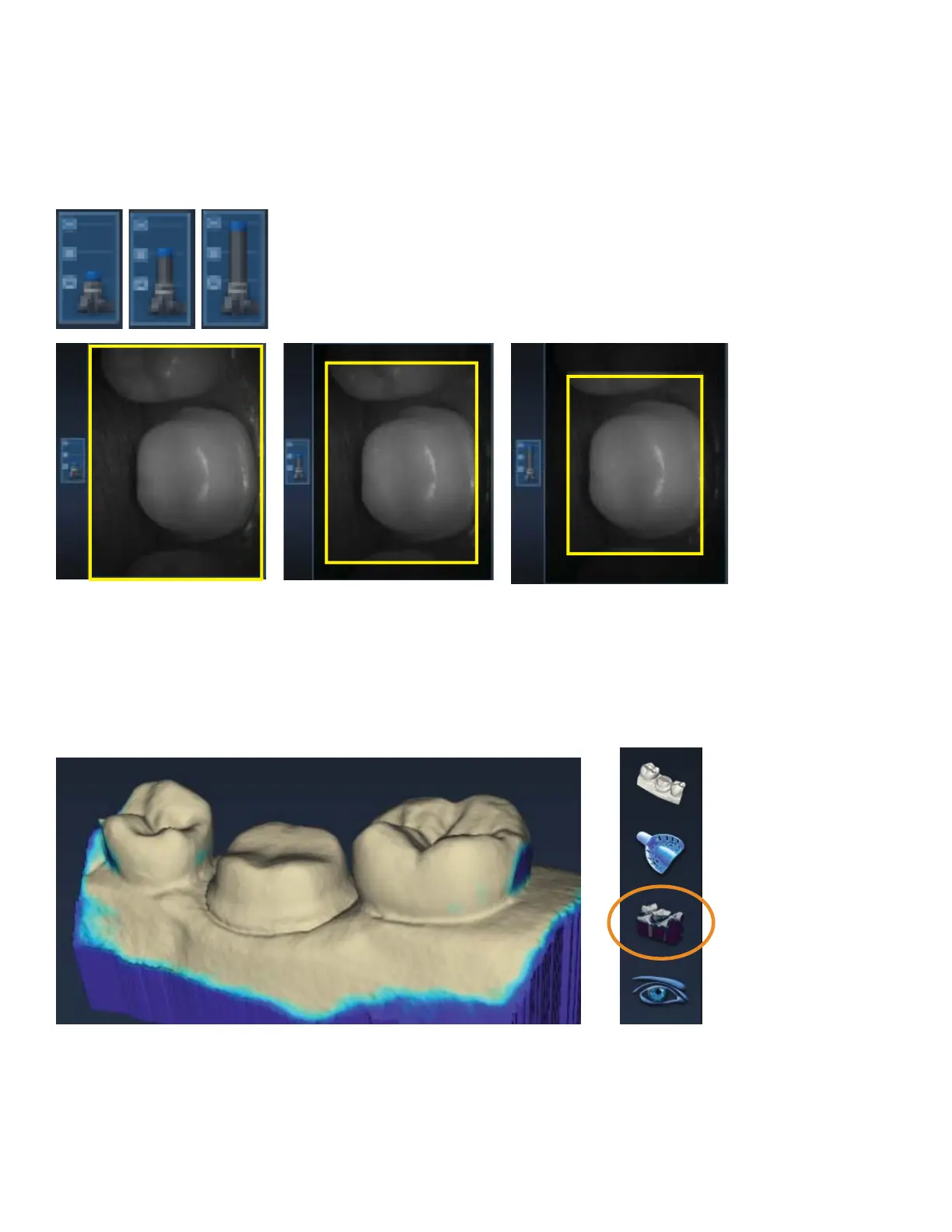
The Field of View or scanning area can be reduced if the movement of tongue, cheek, instruments, etc., is
interfering with your scans. Most clinical operators do not change the Field of View.
Click and drag the Field of View indicator to the desired setting. In the examples, the change in the Live View
has been outlined in yellow for emphasis.
Evaluating the model
Highlight Low Data Areas is now Data Density View
The button has been renamed, but the functionality is the same. Click Data Density View to evaluate the
model and nd any areas that need to be rescanned.



 To Next Page