Customer Support 800.537.6070 19
Editing the Model
Eraser Replaces Trim Model
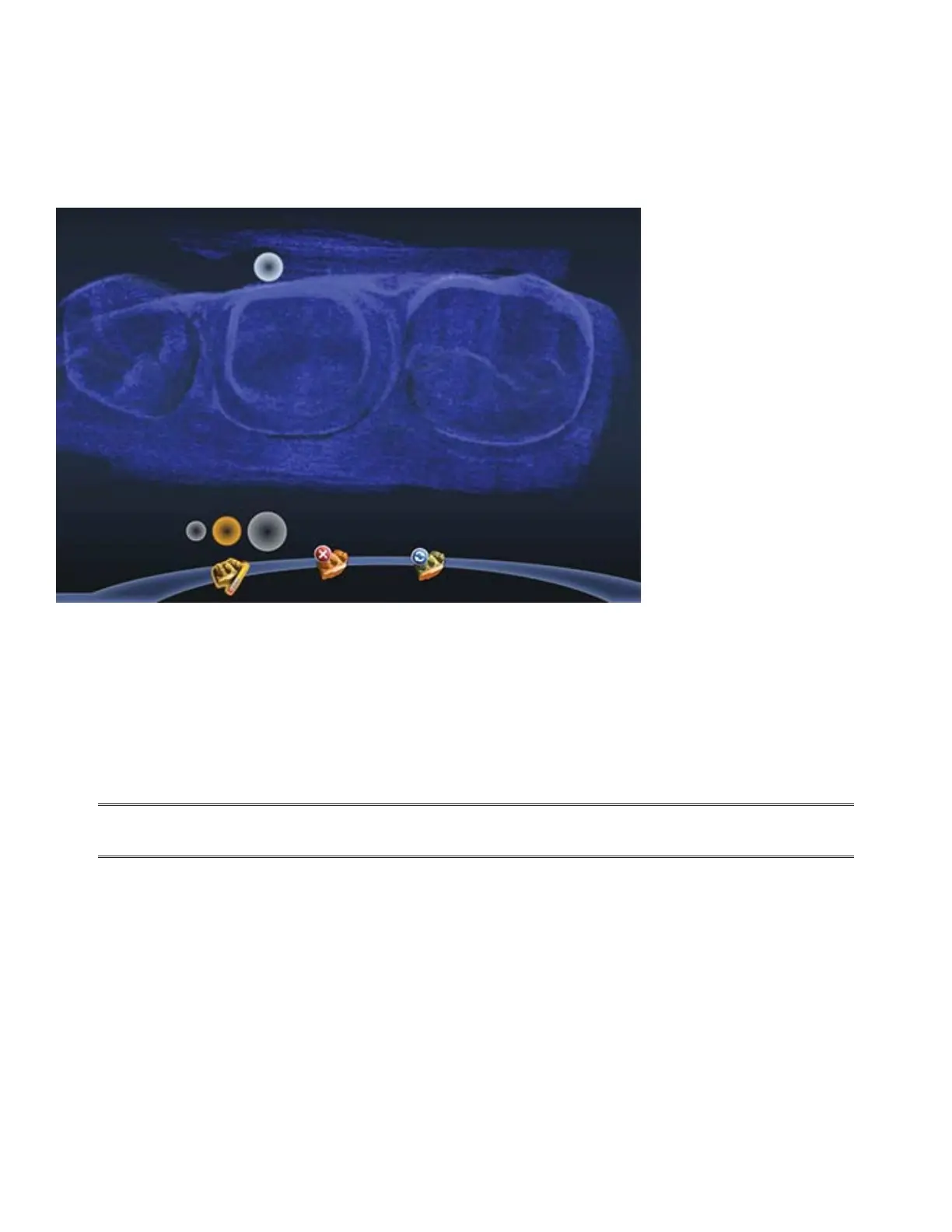
Trim Model has been replaced with the Eraser Brush.
With the new Eraser, click and drag to remove extra data (i.e. tongue, cheeks, etc.).
In previous versions, if you told the system to trim a part of the model, then subsequent scans of the same
area would be ignored. With this new tool, you can erase an area that needs to be rescanned. If you spot a
problem (i.e. the margin is partially hidden by cord or tissue), you can erase that area, correct the problem
on your model or intraorally, then rescan just that area! You do not have to start over. Be sure to erase and
rescan ALL areas that were changed.
The Eraser is also used in the new Time Saver tools (see following sections).
Click the Eraser tool to deactivate it and regenerate the model.
You can zoom in and out to make the model larger or smaller in relation to the Eraser tool. You
can also select a di erent circle size above the Eraser icon.



 To Next Page