16 E4D NEVO Version 5.0 10822801.C
5. Once you have nished your basic scans, turn OFF the scanner.
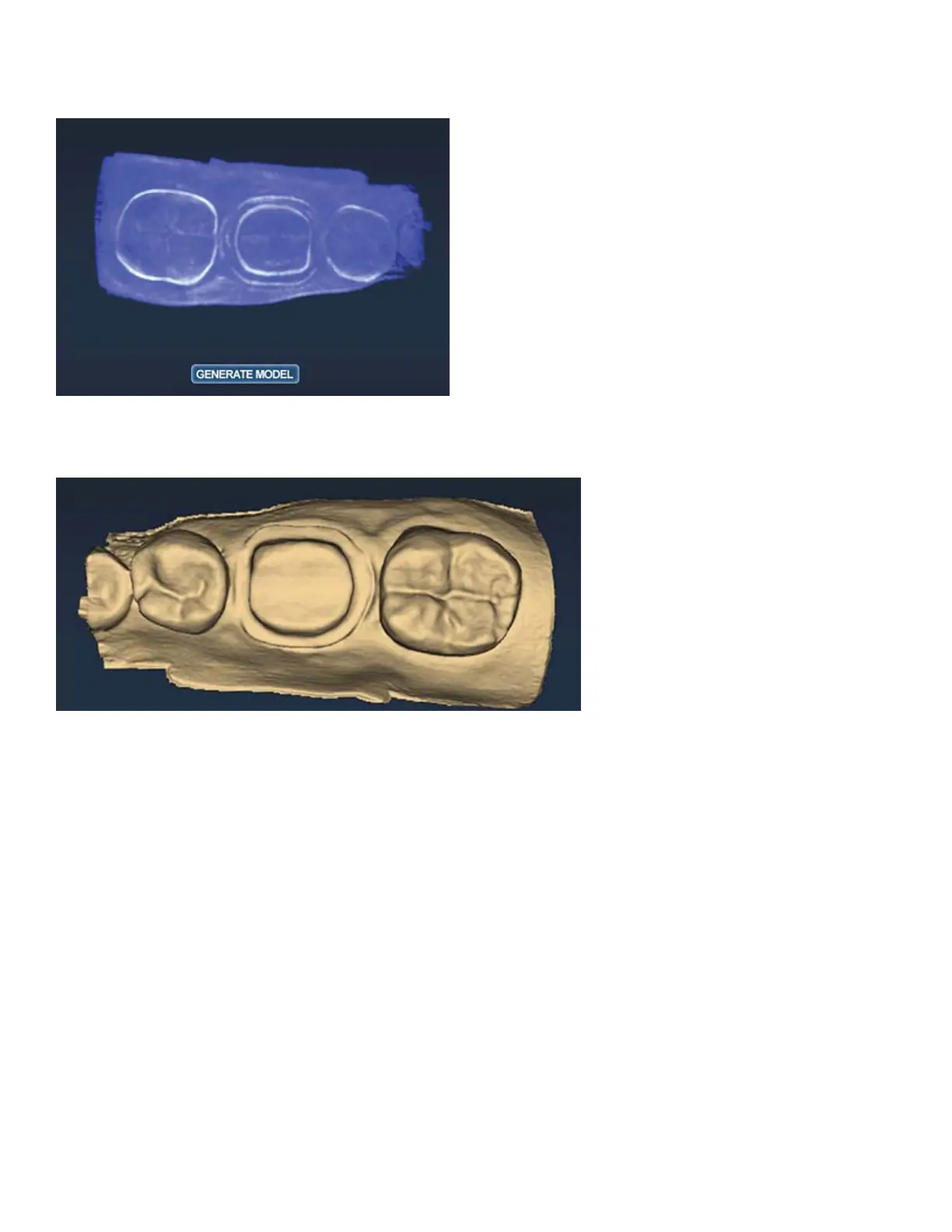
The model displays in the raw data form.
6. Click Generate Model or press M on the keyboard.
The 3D model is created.
Adjust Live View Window Size
While the Live View is active, The window size can be adjusted. By default, the Live View is large enough to
ll the height of the scanning window. To make it smaller, place the mouse cursor on the left edge of the Live
View. Right-click and drag the window to the desired size.
The Live View will return to the default size the next time it is activated.



 To Next Page