Customer Support 800.537.6070 15
Focal Distance Gradient
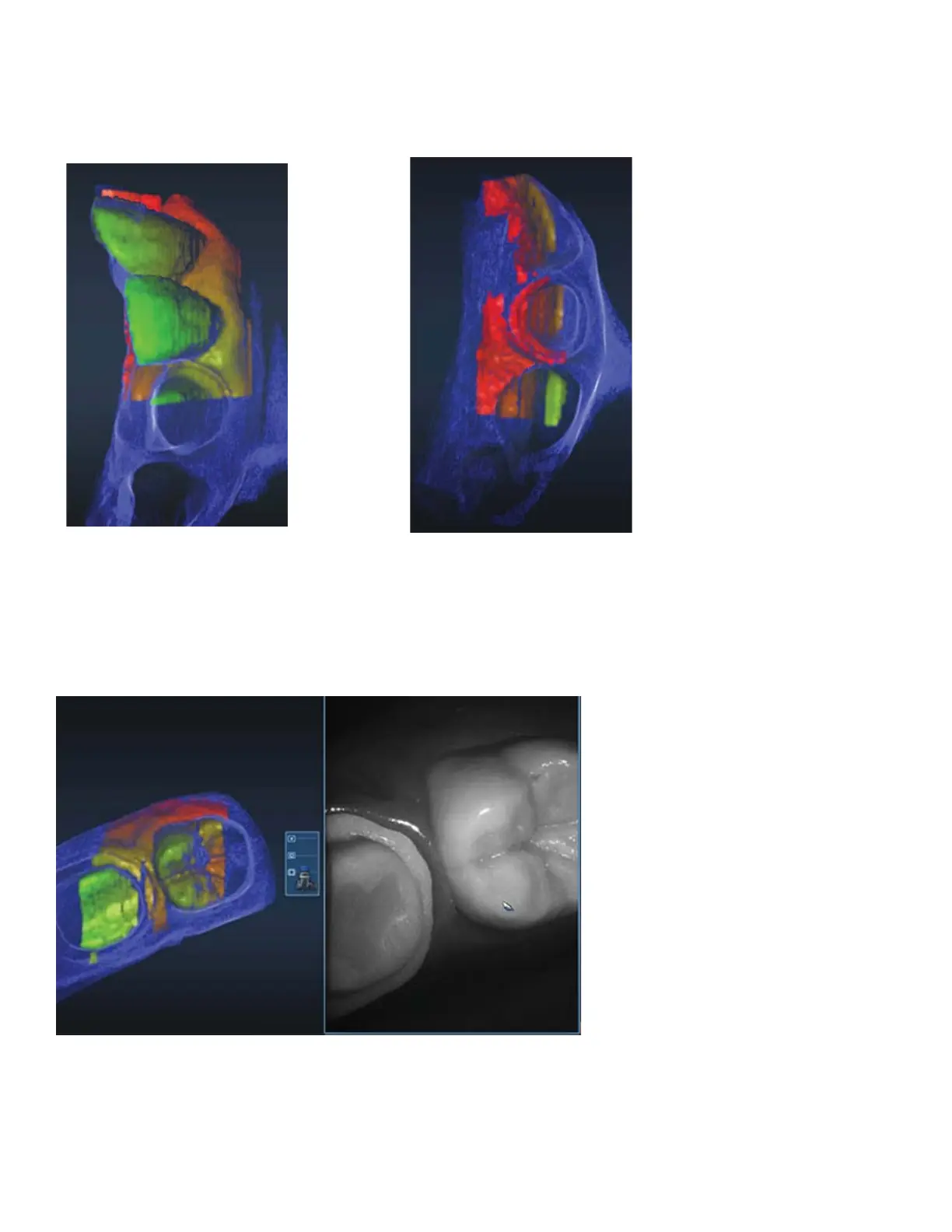
The color gradients on the model indicate the location of that data point within the focal distance. Red data
is still good data, but it is at the far end of the scanner’s focus. If you are trying to capture data that is beyond
something else that is red, then you need to get closer or try a di erent angle with the scanner.
Normal focal gradient. You see
green close to the scanner and
red as it gets further away.
If the scanner tip is not resting on the teeth, you
may see red with no green. You are still capturing
data, but you may need to move closer.
To capture some interproximal areas, it may help to turn the scanner and tilt it to capture the undercut area.
In the example, the focal gradient is red, but we are able to capture the interproximal data.



 To Next Page