14 E4D NEVO Version 5.0 10822801.C
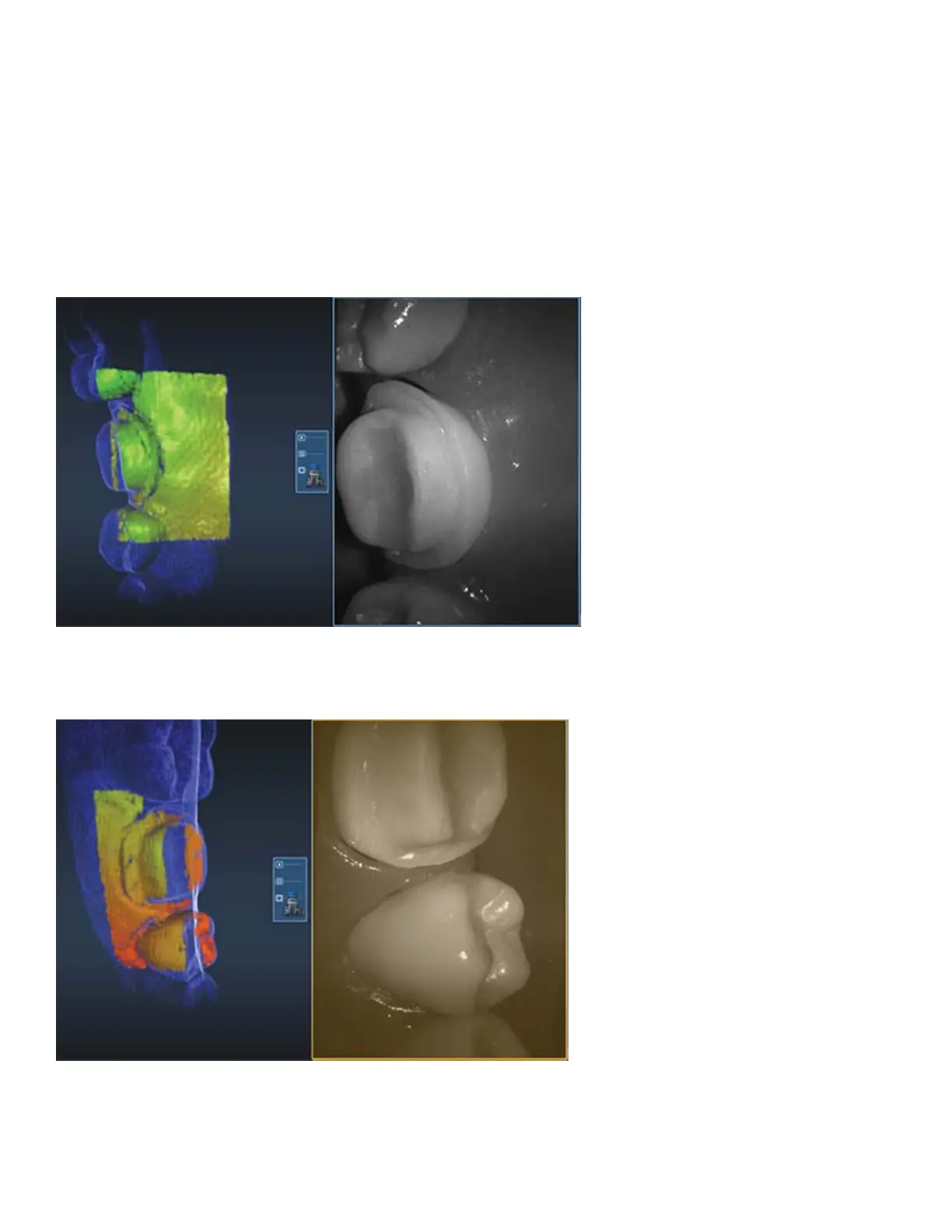
4. Watch the model building on the left as you scan. The Focal Distance Gradient (see following section for
more information) shows you the most recently applied information and helps you visualize where you need
to go.
In previous software versions, the operator’s attention was usually on the Live View to watch the shrinking
target indicator and to move the scanner in half-tooth increments for the next scan. Most operators kept
the building model on the left in their periphery vision to see where the scans were added. With NEVO, most
operators watch the building model and use the Live View only when they need to alter their positioning.
With the new video-like rate of capture, the scanner is almost always moving and the building model shows
the operator what they have and what is still needed. Watch the focal gradient to see where you are and the
blue raw data model shows what is still needed.
If you move too quickly, move too far away, or if the system isn’t sure where you are, the Live View turns
sepia. Move back to an area that’s already been captured and when the system starts capturing data again
you may proceed.



 To Next Page