26 E4D NEVO Version 5.0 10822801.C
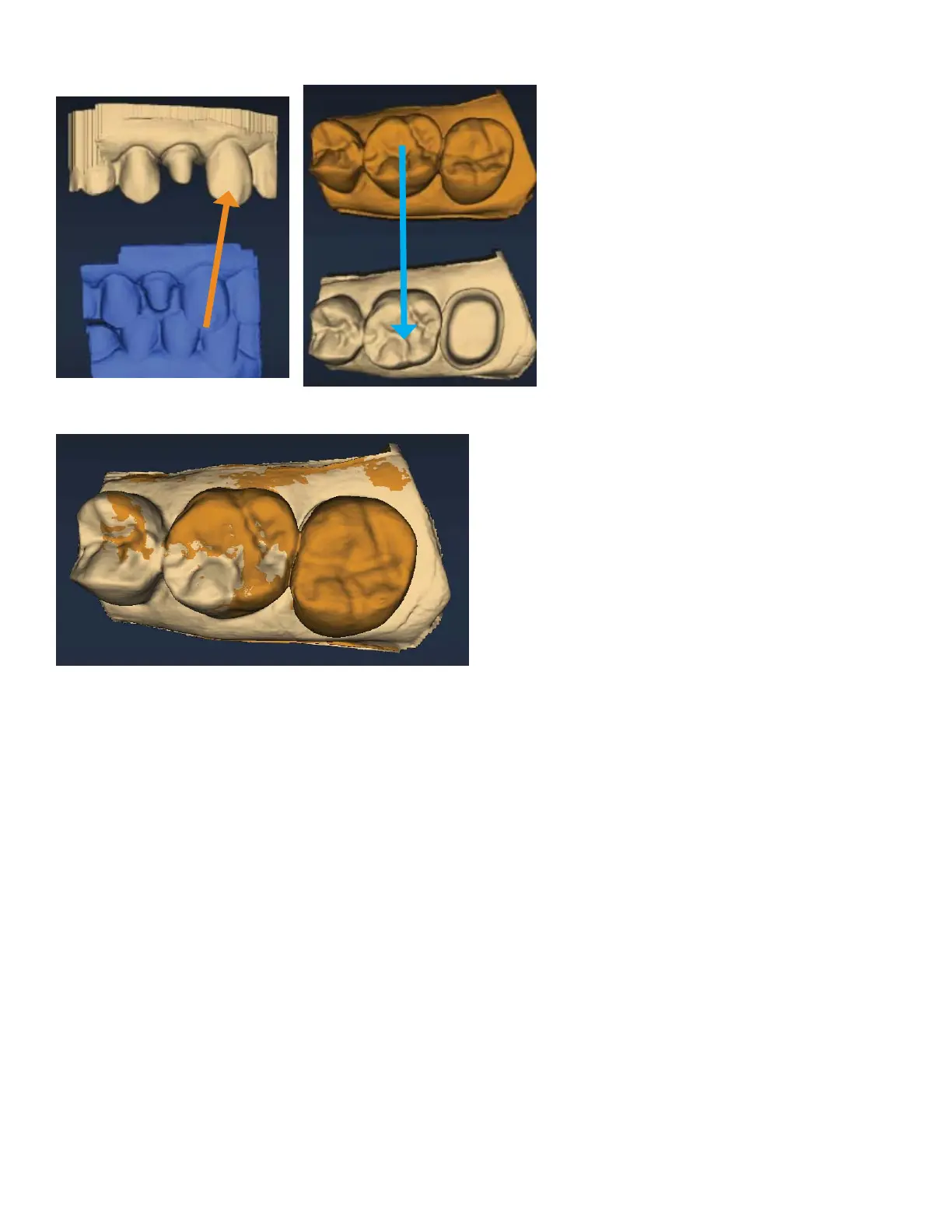
To align models, drag and drop the buccal bite, pre-op, or bite registration over the prep model.
The models will snap into place.
To access the menu options at the top or to return to scanning, deactivate the selected Alignment icon. You
cannot proceed if the Alignment icon is active (orange).
Orientation
The pink shading for undercuts has been removed from Orientation.
Bridges
Bridge cases are unique in that they are designed as individual teeth and milled as one unit.
This document assumes familiarity with multiple restoration cases and other intermediate to advanced
topics. Refer to your User Manual for more information.
Bridge Preparation
Ensure the preparations for the abutment teeth are not angled in di erent directions. If one is pointed
towards the lingual and one towards the buccal, there may be problems with path of insertion and
overmilling. Cantilever and Maryland bridges are not recommended by the material manufacturers.



 To Next Page