Customer Support 800.537.6070 31
Designing the Bridge
With any multiples case, it is generally best to start the Autogenesis process on a tooth with an existing
neighbor. In a bridge case, that means starting with the abutments.
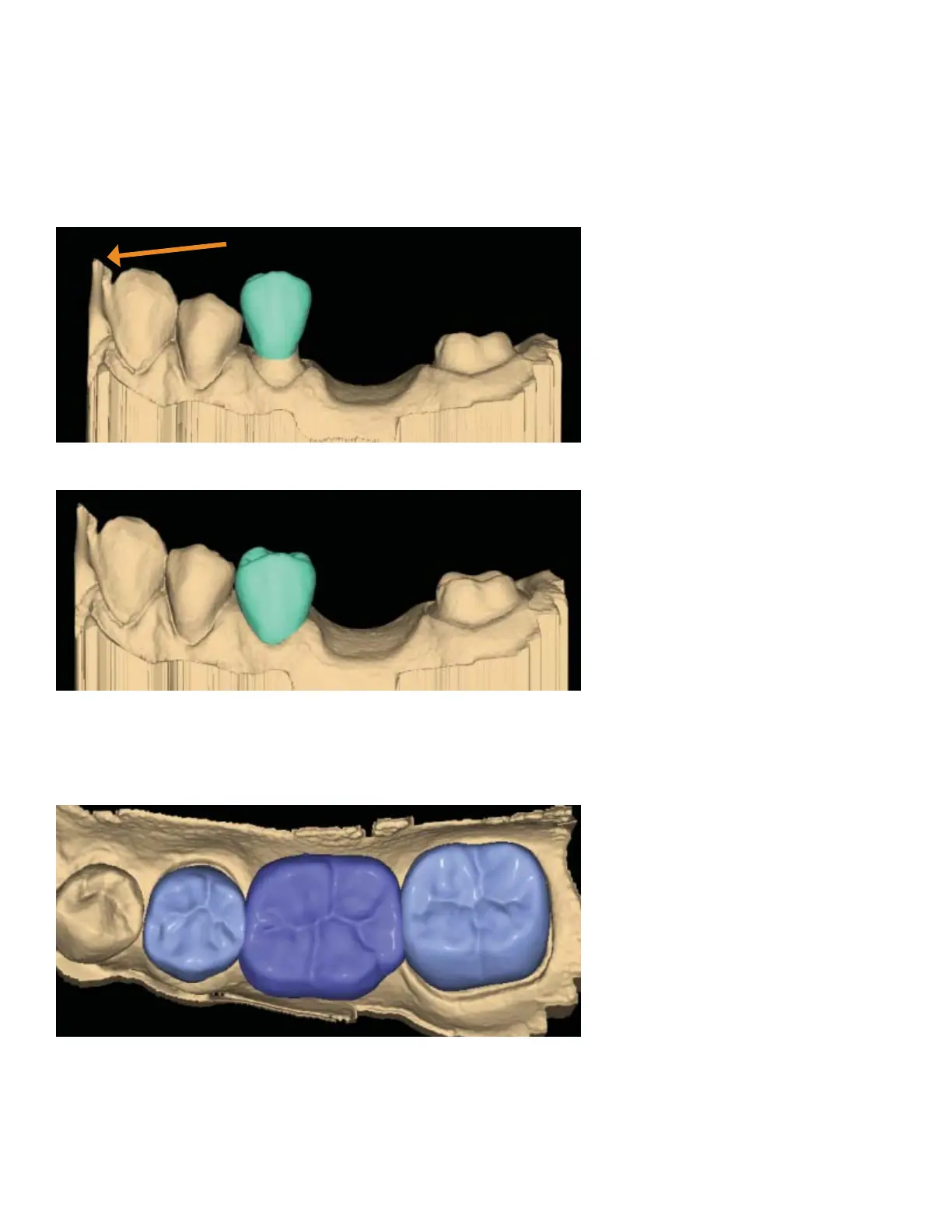
1. Rotate to evaluate the position of the preview library tooth.
In this example, the preview tooth is high because the system is attempting to match the height of the
higher mesial data. This may result in a distorted initial proposal.
2. Resize (Alt + arrows) and move (drag and drop) as needed.
3. Click Apply.
4. Repeat these steps for the other abutment.
5. Repeat these steps for the pontic(s).



 To Next Page