Customer Support 800.537.6070 37
• Good lingual cusps. Lingual axial data is not needed.
5. Erase extra data from the opposing model.
Scan Buccal Bite
1. Click Scan Buccal Bite.
2. Press the articulated model down rmly or have the patient bite down rmly and tell them not to move
while you are scanning. If they shift during the scanning, the alignment may be incorrect.
Position the NEVO tip against the inside of the cheek while the patient is open. When the
NEVO is in place, ask the patient to close and bite down rmly. Tell them not to move during
scanning. Keeping the NEVO tip against the cheek and not rubbing against the gingiva during
scanning is typically more comfortable for the patient.
3. Scan at a 90° angle to the teeth. Scan the sides of the teeth that were captured in the preparation and
opposing models. Ensure some gingival data is captured.
4. Click Generate Model or press M on the keyboard. The system generates the model and attempts to
align to the other scanned models. The software should automatically align the models. If Align Buccal is red,
see previous for instructions on manually “Model Alignment.”
When the model is nished generating, the Buccal Bite model displays from the point of view
of the occlusal of the preparation.
Rotate the model to view the buccal side or click the Buccal arrow in View Controls.
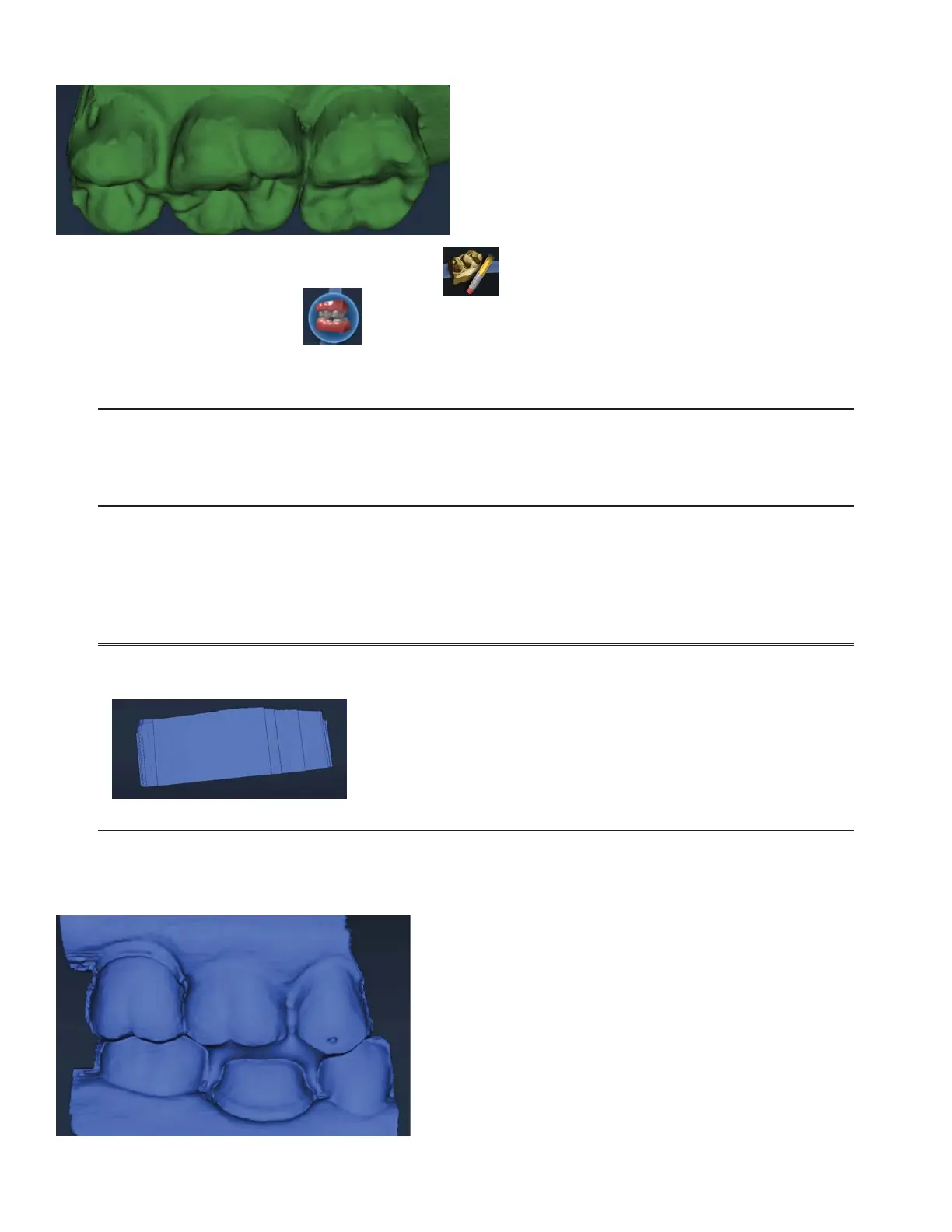
Your model should resemble the following. Ensure there is good data on the buccal sides of the teeth.
Intraoral scans will most likely have the tongue in the background. Model scans will have space ller in the
gaps.
5. Erase any excess data from the model.



 To Next Page