2 Installation
2.7 Connecting the diagnostics interface
24 SmartWire-DT Gateway EU5C-SWD-EIP-MODTCP 08/17 MN120003Z EN www.eaton.eu
2.7 Connecting the diagnostics interface
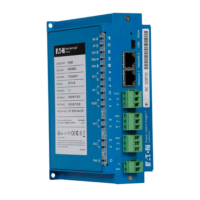
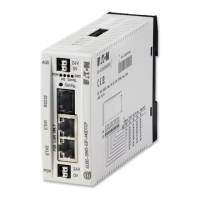
The EU5C-SWD-EIP-MODTCP SmartWire-DT gateway features a serial inter-
face on the front. By using a programming cable, you can connect it to a
computer and do the following with the corresponding software:
• Online SmartWire-DT line diagnostics using the SWD assist program
• Create a planned SWD configuration and load it into the gateway
You can use any of the following programming cables:
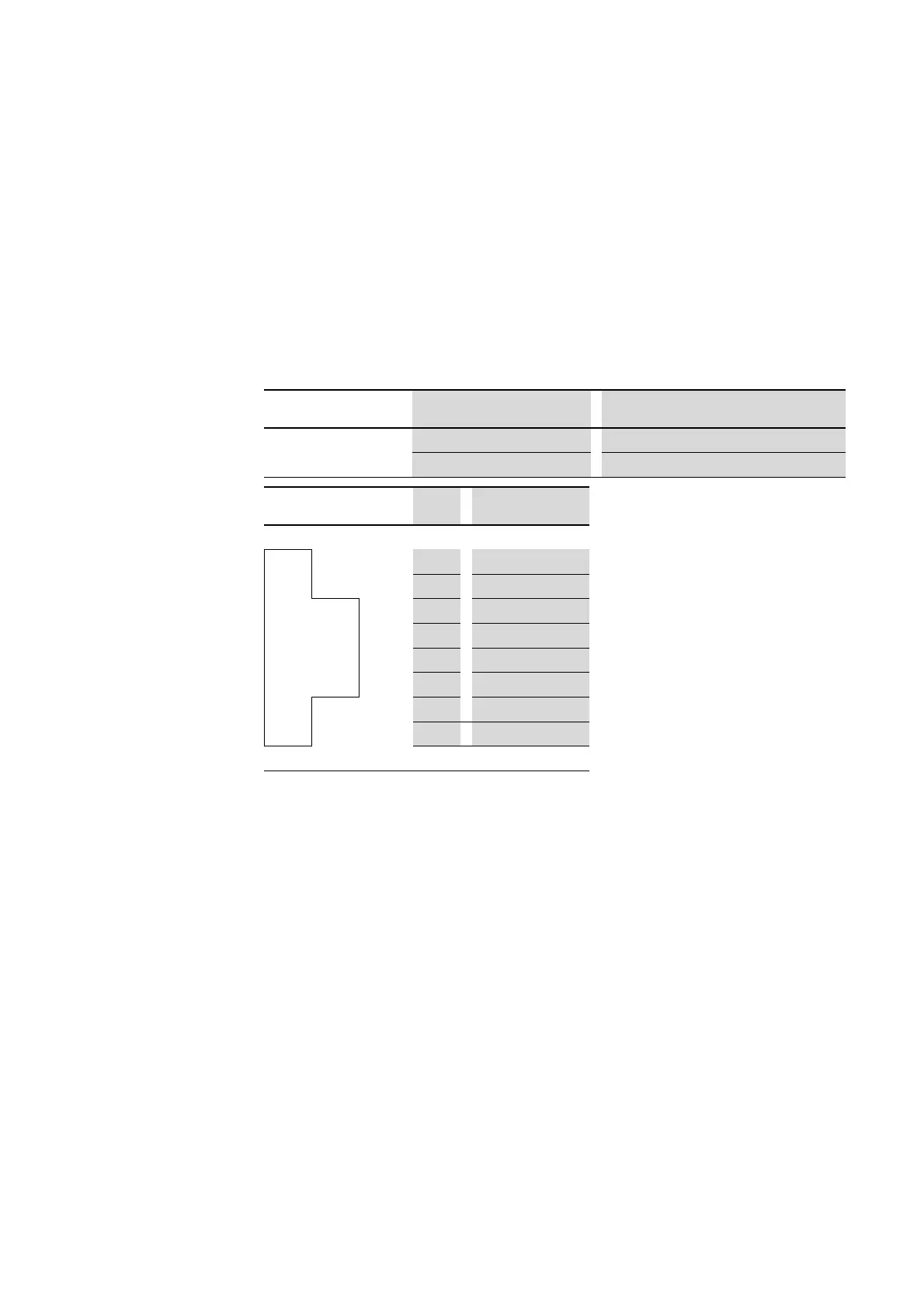
Table 3: Programming cable for the connection to a PC
Figure 14: Configuration of the serial interface.
Device
Programming cable Baud rate
EU5C-SWD-EIP-MODTCP EU4A-RJ45-CAB1 –
EU4A-RJ45-USB-CAB1 Ethernet
Pin RS232
8 8 RxD
7 7 –
6 6 –
5 5 TxD
4 4 GND
3 3 –
2 2 –
1 1 –




 To Next Page