5 Commissioning the PLC programming environment
5.3 Web-Interface
SmartWire-DT Gateway EU5C-SWD-EIP-MODTCP 08/17 MN120003Z EN www.eaton.com 51
5.3 Web-Interface
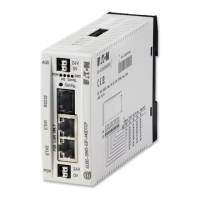
The web interface can be used to access the EU5C-SWD-EIP-MODTCP gate-
way.
The following functions are supported via the WEB interface:
• Showing the gateway's device parameters
• Showing the gateway's and SWD line's statuses
• Showing all connected SmartWire-DT modules with their serial num-
bers, statuses, etc.
• Showing and changing network settings
• Showing and changing password protection
• Updating the operating system
To establish a connection to the gateway using the web interface, follow the
steps below:
▶ Open one of the following browsers:
Internet Explorer 6 or higher or Mozilla Firefox 3 or higher
▶ Enter the gateway's IP address as the URL.
The default address is: 192.168.1.254.
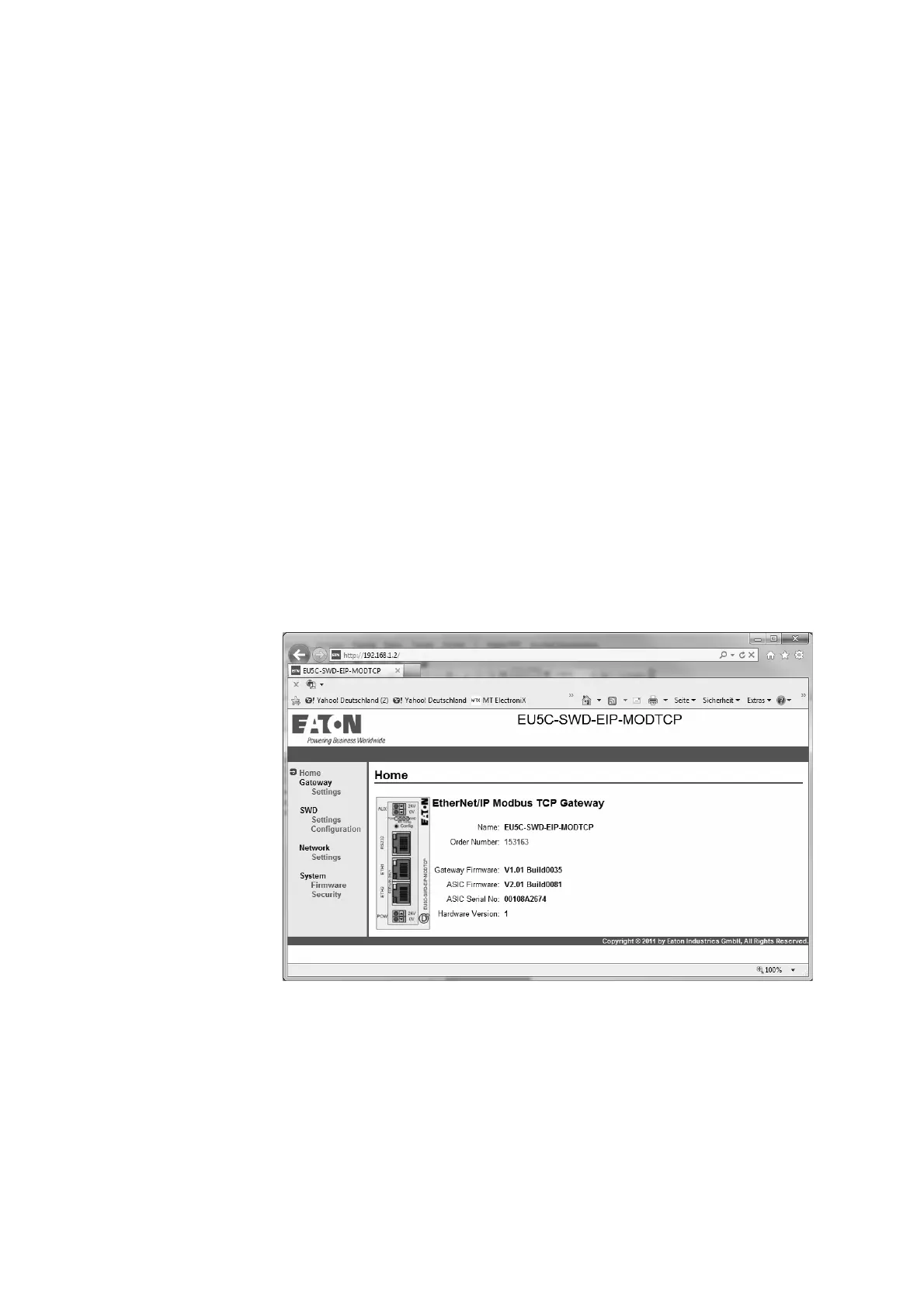
The homepage, showing the most important information concerning the
gateway, will appear.
Figure 33: Web interface homepage




 To Next Page