4 Creating a planned SmartWire-DTSmartWire-DT configuration in SWD-Assist
4.1 Select gateway as field bus module
SmartWire-DT Gateway EU5C-SWD-EIP-MODTCP 08/17 MN120003Z EN www.eaton.com 33
4 Creating a planned SmartWire-DTSmartWire-DT configuration in SWD-
Assist
SWD lines that use an EU5C-SWD-EIP-MOD-TCP gateway are created with
SWD-Assist version 1.40 or higher. SWD-Assist is used to select both the
gateway and all required SmartWire-DT modules. It is also used to configure
all the settings for the field bus, as well as the parameter settings for the indi-
vidual SmartWire-DT modules, which are then loaded onto the gateway as a
planned SmartWire-DT configuration.
To create an SWD line for an EtherNet/IP field bus using the SWD-Assist
planning program, you will need to follow the steps below:
1 Select the EU5C-SWD-EIP-MODTCP gateway and configure its parame-
ters
2 Select the SmartWire-DT modules you want and configure their parame-
ters
3 Select the EtherNet/IP or Modbus/TCP field bus communications proto-
col
4 Specify the device names for the gateway and the modules
5 Transfer the planned SmartWire-DT configuration to the gateway
6 Export the input/output data to a CSV or text file
4.1 Select gateway as field bus module
▶ Start SWD-Assist and create a new project. An EU5C-SWD-DP PROFI-
BUS gateway will be shown on the workspace by default.
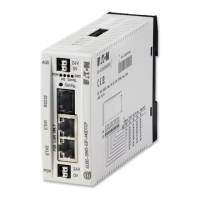
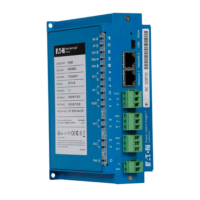
▶ Select the EU5C-SWD-EIP-MODTCP gateway from the catalog of
devices and drag it to the canvas.
The EU5C-SWD-DP gateway will be replaced with an EU5C-SWD-EIP-
MODTCP gateway.
→
If any changes are made to the modules, parameters, or in
regard to the field bus protocol, the planned SmartWire-DT con-
figuration will have to be transferred again.




 To Next Page