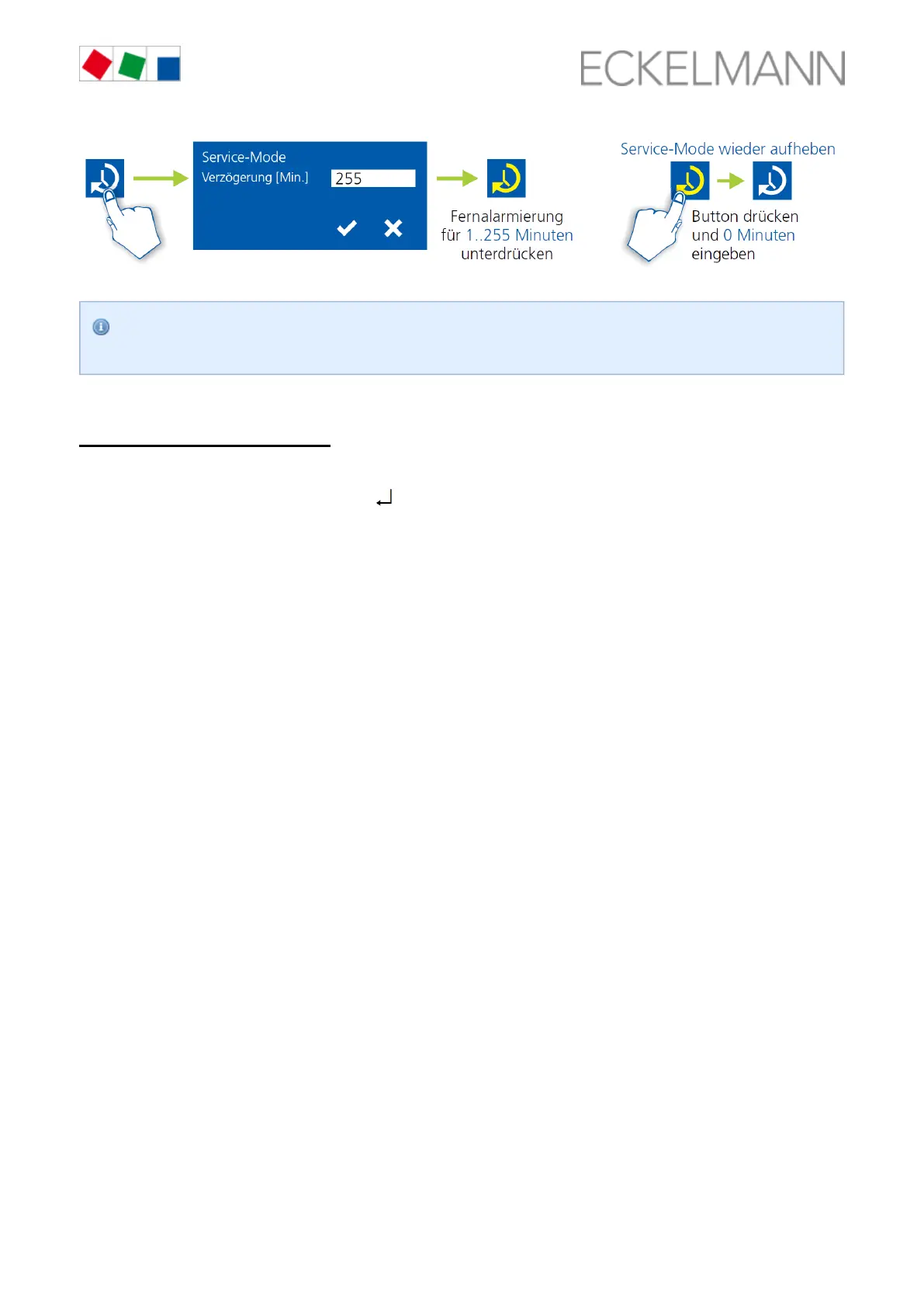
The service mode can only be activated if the system centre has previously been unlocked; see
.chapter CI 4x00 System Centre, page 83
8.3.4.2 Store computer CI 3x00
Activating/deactivating service mode
Step 1: Select menu item 9 "Parametrisation" in the main menu.
Select menu item 3 "Lock-down" in this menu.Step 2:
Tap the buttons ( ) simultaneously to open the screen for the suppression of the Step 3: MODE + ENTER
remote alarm signalling and input the service duration (1..255 minutes). The service mode is now activated for
the duration entered above.
The service mode can be reset / revoked again by the input of 0 minutes.Step 4:



 To Next Page