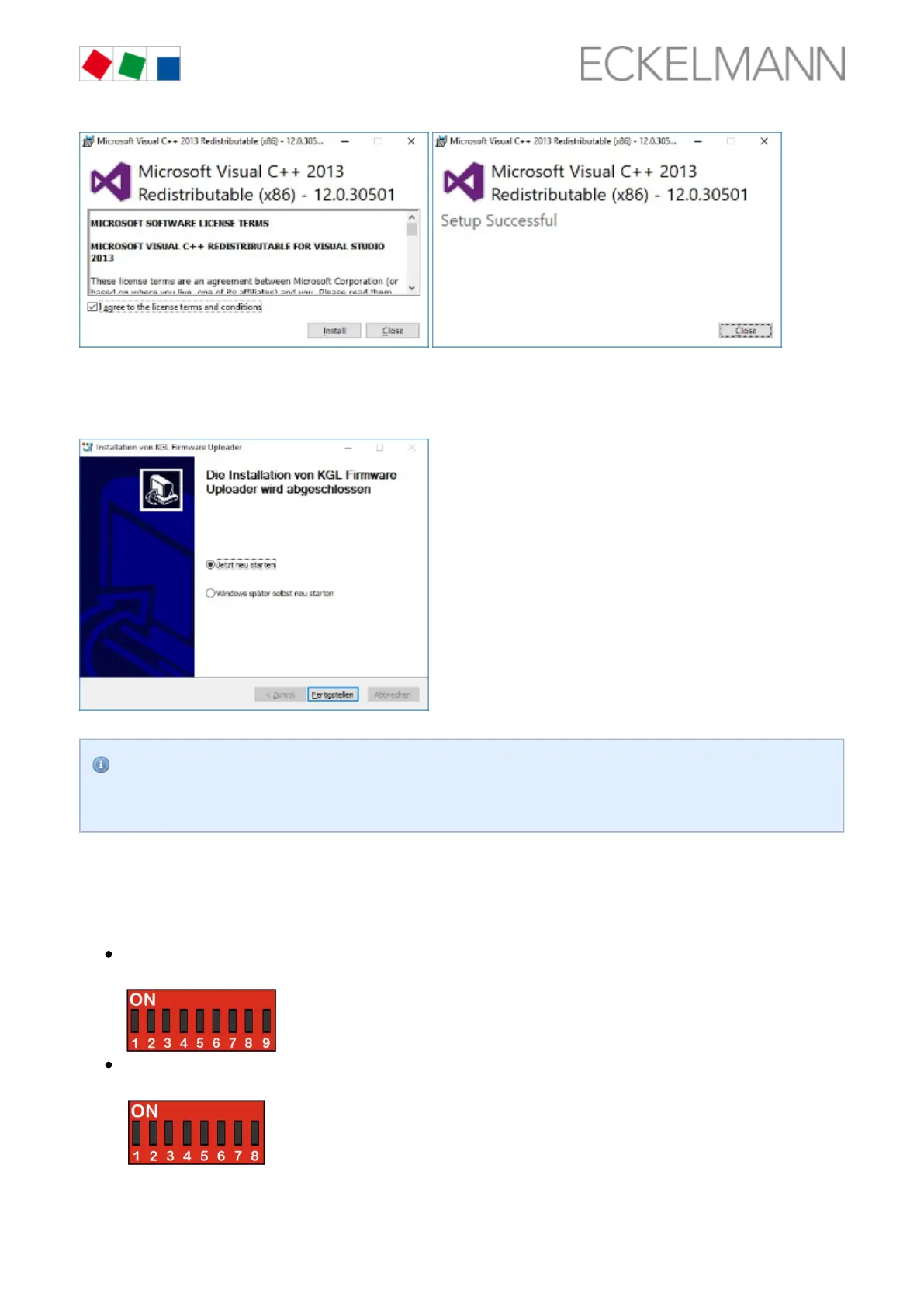
Note: Set a checkmark in the first screen to accept the licence agreement.
Step 2: The PC must be restarted after the installation process:
No error message such as " " should be displayed on the laptop or PC. Tips for
USB device not found
rectifying driver problems are explained in more detail in chapter Rectification of driver problems,
.page 63
6.9.2 Installing firmware update
When installing the firmware update, a distinction is made between two device generations:
2nd generation controller (from Oct. / Nov. 2018)
Characteristic: 9-pole DIP switch
1st generation controller (since 2011)
Characteristic: 8-pole DIP switch
6.9.2.1 Update for controller with 9-pole DIP switch



 To Next Page