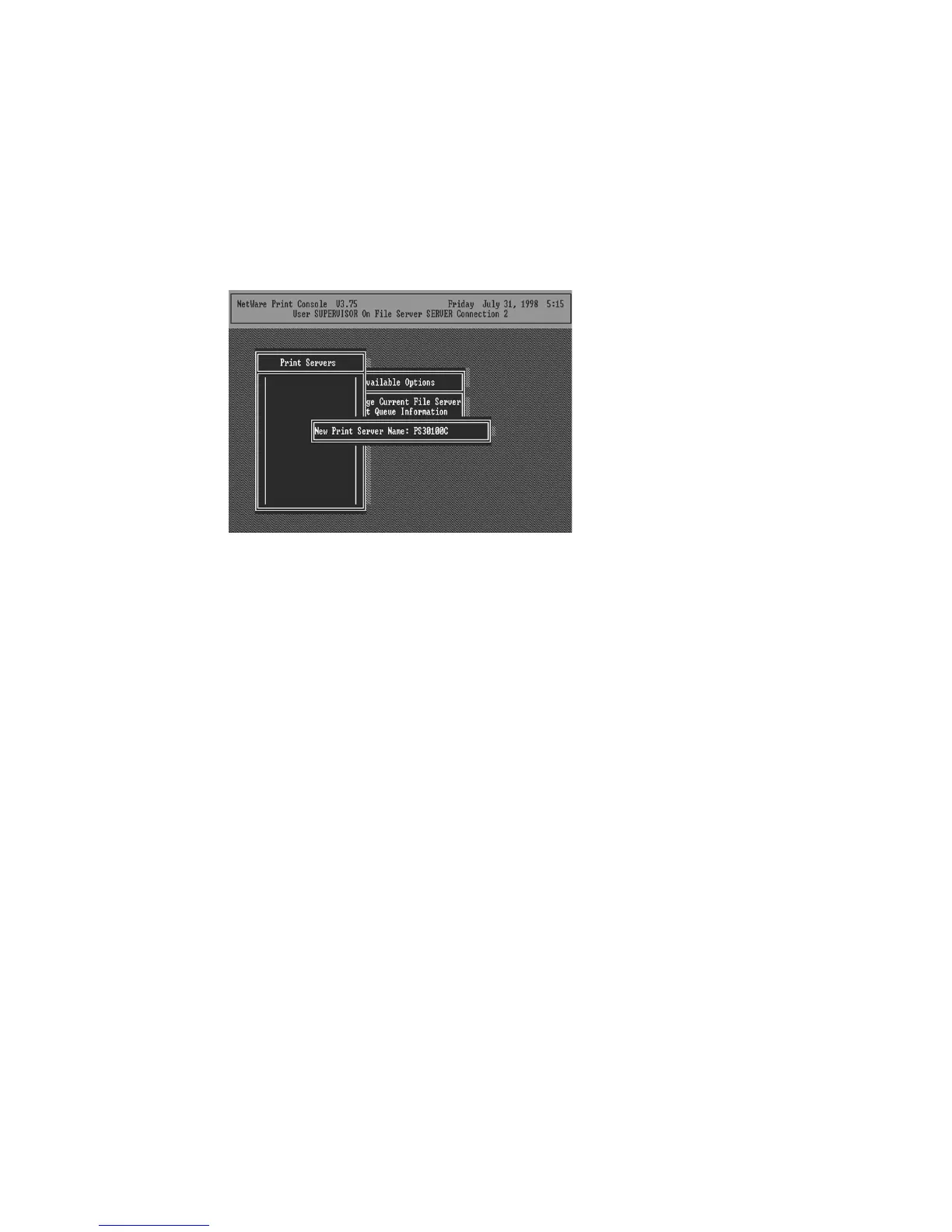
16. Press the Insert key to add a new NetWare print
server object. The print server name can be identical to the
PSxxxxxx name printed on the label of the print server, or
you can use an alias name you have assigned using PSETUP.
17. Press Enter to select the newly created print server.
18. Select Print Server Configuration.
19. Select Printer Configuration.
20. Select Printer 0 (or Printer 1, Printer 2), and press
Enter, then select Parallel LPT1 (or LPT2, LPT3) in the Type
field. If your print server is with only one port, you do not
need to configure this Type field.















 To Next Page