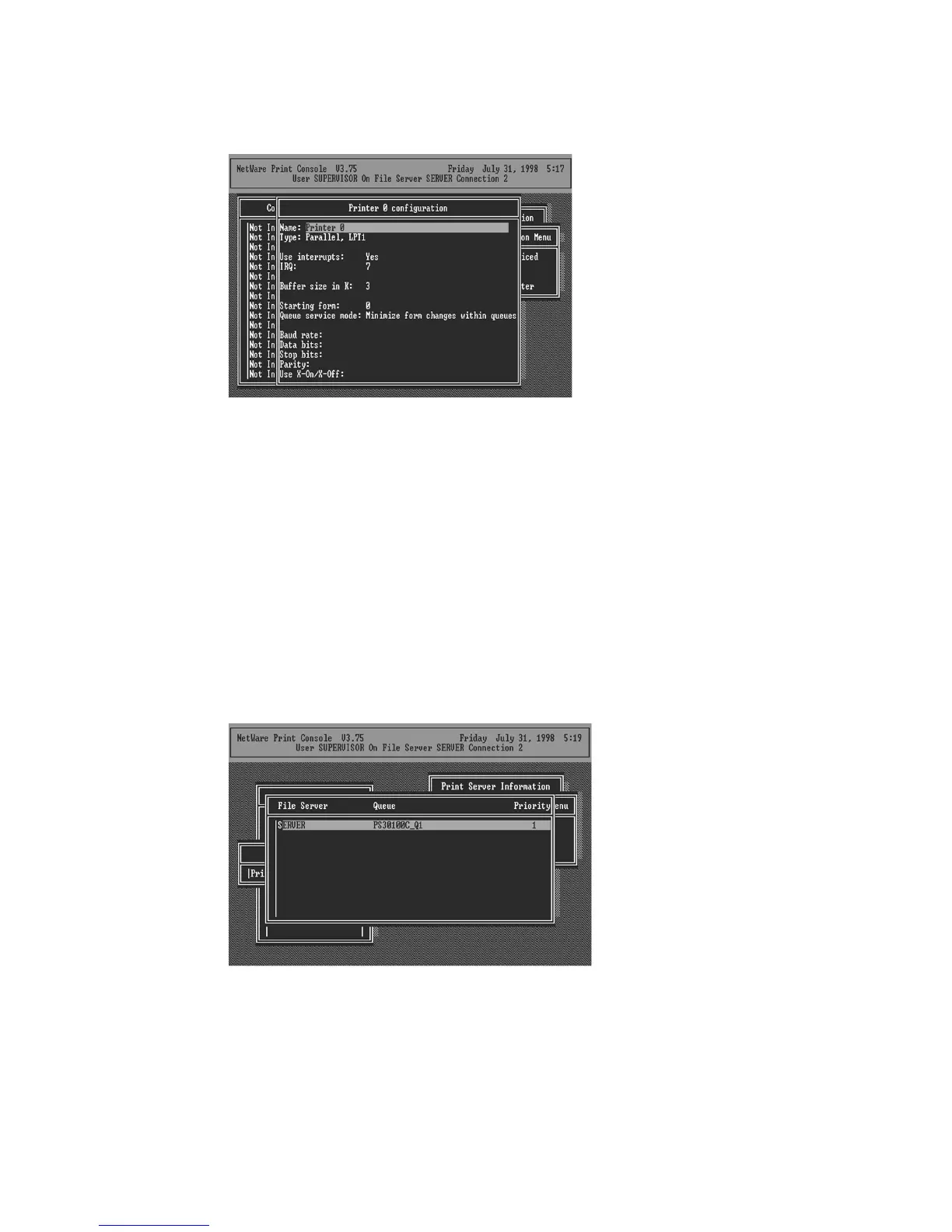
21. Press Escape, and answer Yes to the Save Changes
question.
22. Select Queues Serviced by Printer, then select
Printer 0 (or Printer 1, Printer 2) and press Enter.
23. Press Insert and add your newly created print queue
to the list of queues serviced by the printer. Enter a priority
number for the queue service, or press Enter to accept the
default.
24. Repeatedly press Escape to exit the PCONSOLE
program.















 To Next Page