Parameterisation
MSM-USM2G-BA-UK-001 Page 23 of 45
6 Parameterisation
Alternatively to configuration by DIP-switches the BSM-P can be parameterised by software. To
parameterise the device the service and diagnosis interface USB-B (terminal X9) of the BSM-P has to
be connected to the PC.
System requirements
Windows 7 or Windows 10
Internet browser with activated Javascript
We recommend to use Mozilla Firefox from version 40 or Internet Explorer from version 11.
When using other internet browsers the functionality of the parameterisation software might be
limited.
Recommended monitor resolution from 1280 x 800
Installation
The installation starts with the execution of the file „EES-SMT-Parasoft V3.X.X.exe“. X.X in this case
are replacement markers for the respectively current software version. During installation, 2 Visual
C++ packets are installed additionally, in case they are not yet available on the PC. This may require a
restart of the PC.
Start of the software
Please launch the program „EES SMT-Parasoft V3.X.X“ in the start menu or from the icon on the
Desktop.
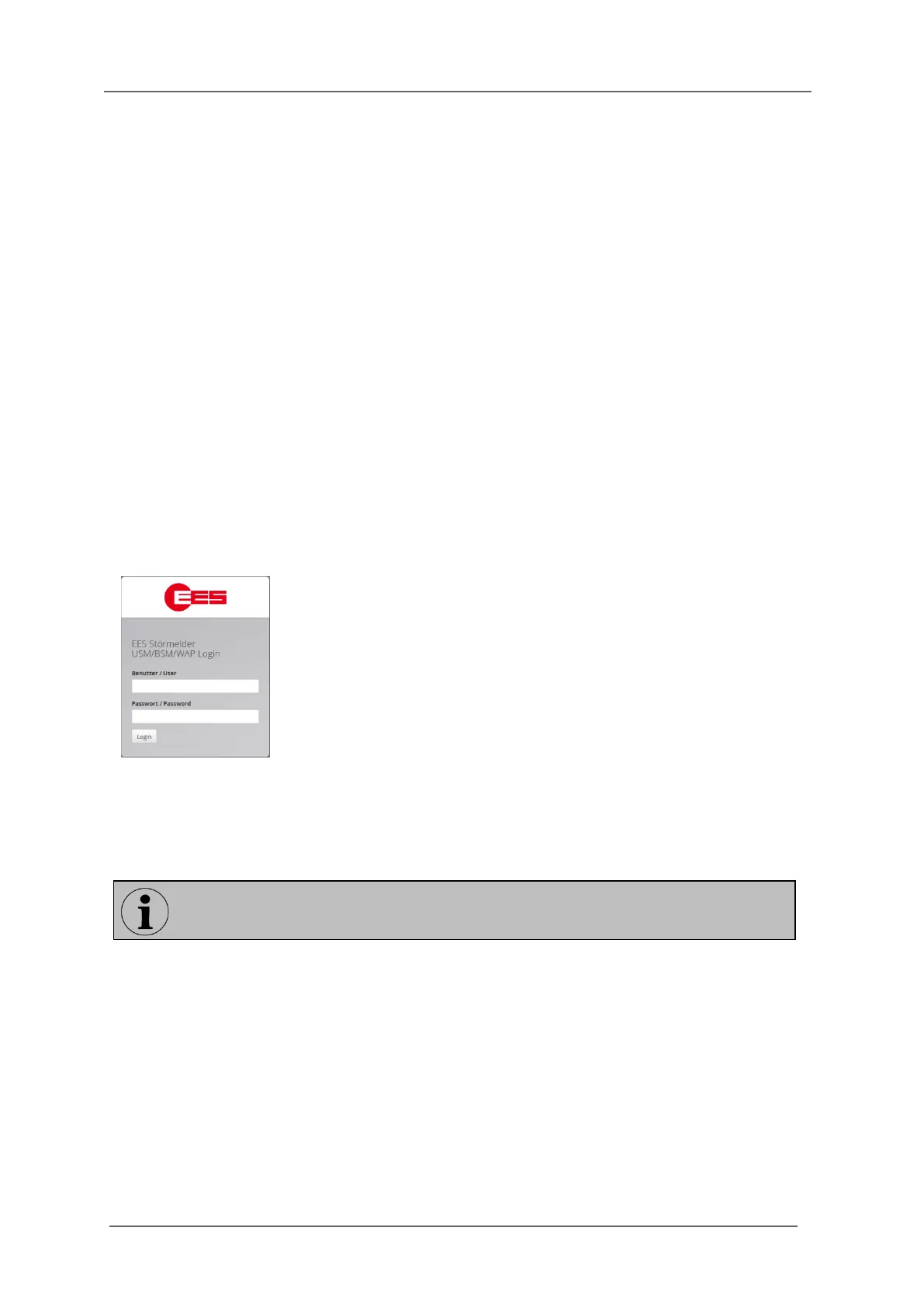
The login screen will automatically be opened in the default browser of the PC.
Fig. 6.1 Login
The user „admin“ (administrator) has entire reading and writing access to the parameterisation.
Additionally, the user „user“ is available (user; user / password: user), who has only reading access
and no writing authorisation.
The identification of the user is done by a random 32 byte session ID. No cookies are used. Up to 8
sessions (subscribed users) can be handled at a time. The number of “admin” sessions is limited to
one at a time. Sessions are monitored by a time-out and closed automatically upon exceeding the
time.
For the first login please use the following login
data:
User: admin
Password: admin
The passwords can be changed in the menu „Parameter / System / Security“.


 To Next Page