Parameterisation
Page 26 of 45 MSM-BSM2G-BA-UK-001
6.1 Main Menu Language
The parameterisation interface can be changed between German and English here.
6.2 Main Menu Parameter
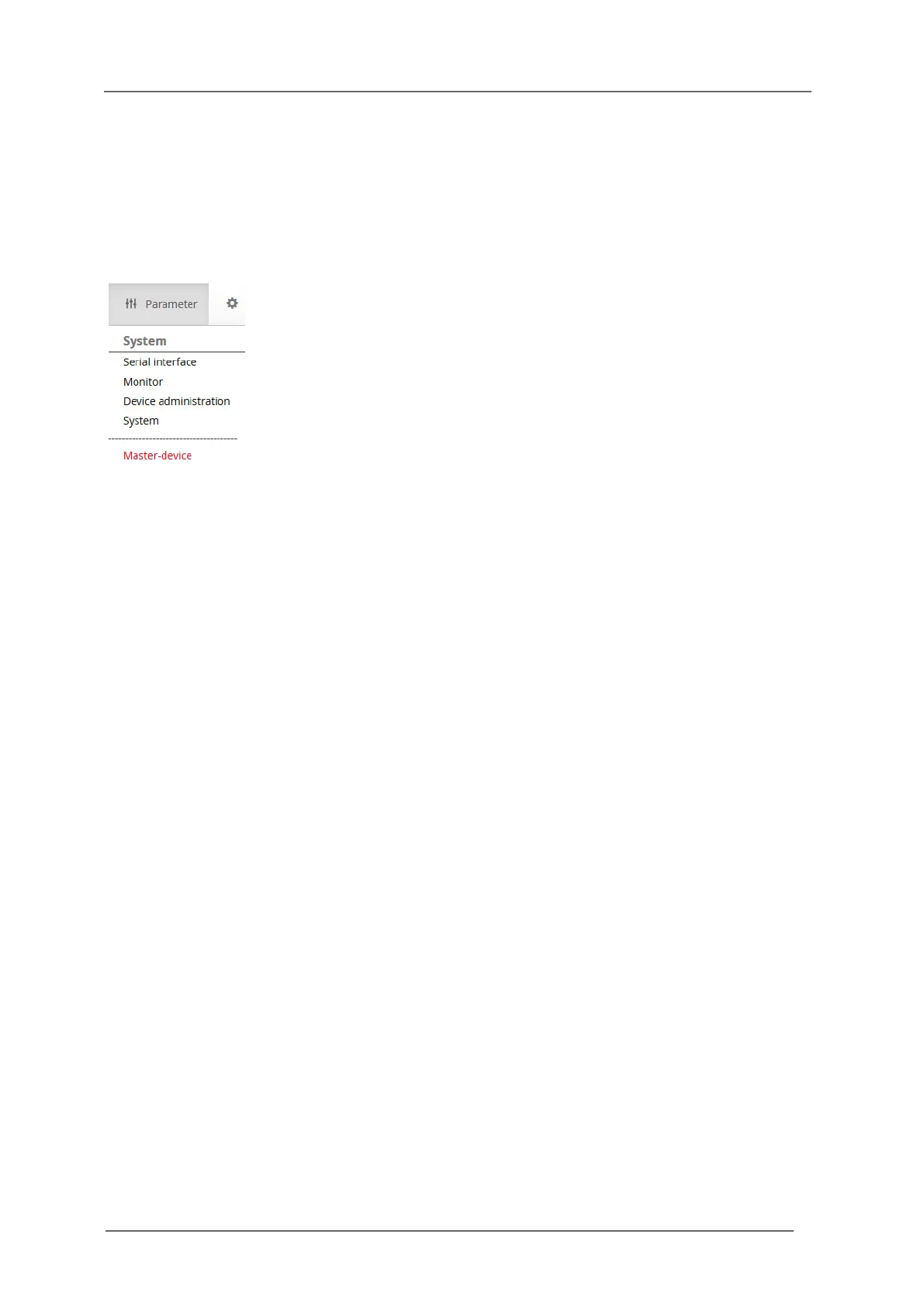
The main menu is structured into 5 submenus.
Fig. 6.5: Opened main menu „Parameter“
Serial interface
o Selection of the interface for the device parameterisation
Monitor
o Online-Monitor for viewing the current device status (only available when an
annunciator is connected to the PC)
Device administration
o Selection and deletion of devices in a cascaded annunciator system
o Ex- and Import of parameterisation files
System
o Security
o Activation / Deactivation of error messages
Master-device / Slave-device 1..3 (Annunciator functionalities)
o Reporting channel
o Reporting sequence (not available for slave devices)
o Push buttons & function inputs
o Function relays
o Repeat relays
o LED-colour settings


 To Next Page