10Installation and Service Guide: Color Controller E-46A
Introduction
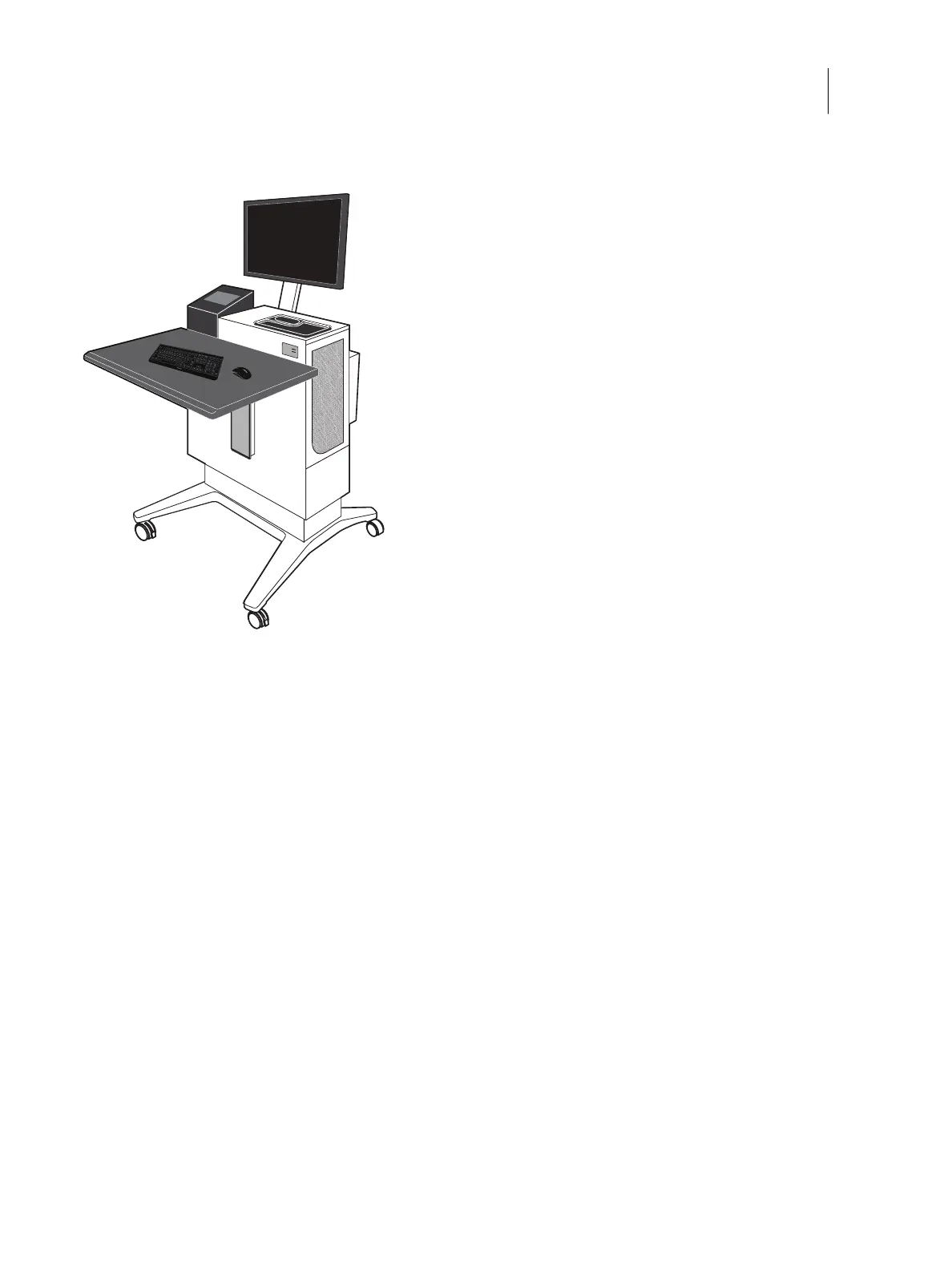
For information about installing the Fiery NX Station, see the documentation provided with the Fiery NX Station kit.
Figure 2: Fiery NX Station
About this document
This service document describes how to install E-46A system software, and how to service the E-46A hardware. It is
not intended for customer use. Information about the printer, network, remote computers, software applications, and
E-46A operating system is not included in this document.
Illustrations
In this document, illustrations reflect the version of the E-46A being shipped at the time of publication. Components
in illustrations are subject to change. For information about E-46A components that do not match illustrations in this
document, contact your authorized service/support center.
Terms
In this document, the following terms are used.
• Replace: Refers to reinstallation of existing components. Do not install new components unless necessary.
• Printer operation panel: Refers to the printer user interface that is used to run the Fiery setup.
• Windows: This is the operating system of the E-46A.
• System software: The software installed on the hard disk drive (HDD) of the E-46A. Includes Windows operating
system software.



 To Next Page