37Installation and Service Guide: Color Controller E-46A
Using the E-46A
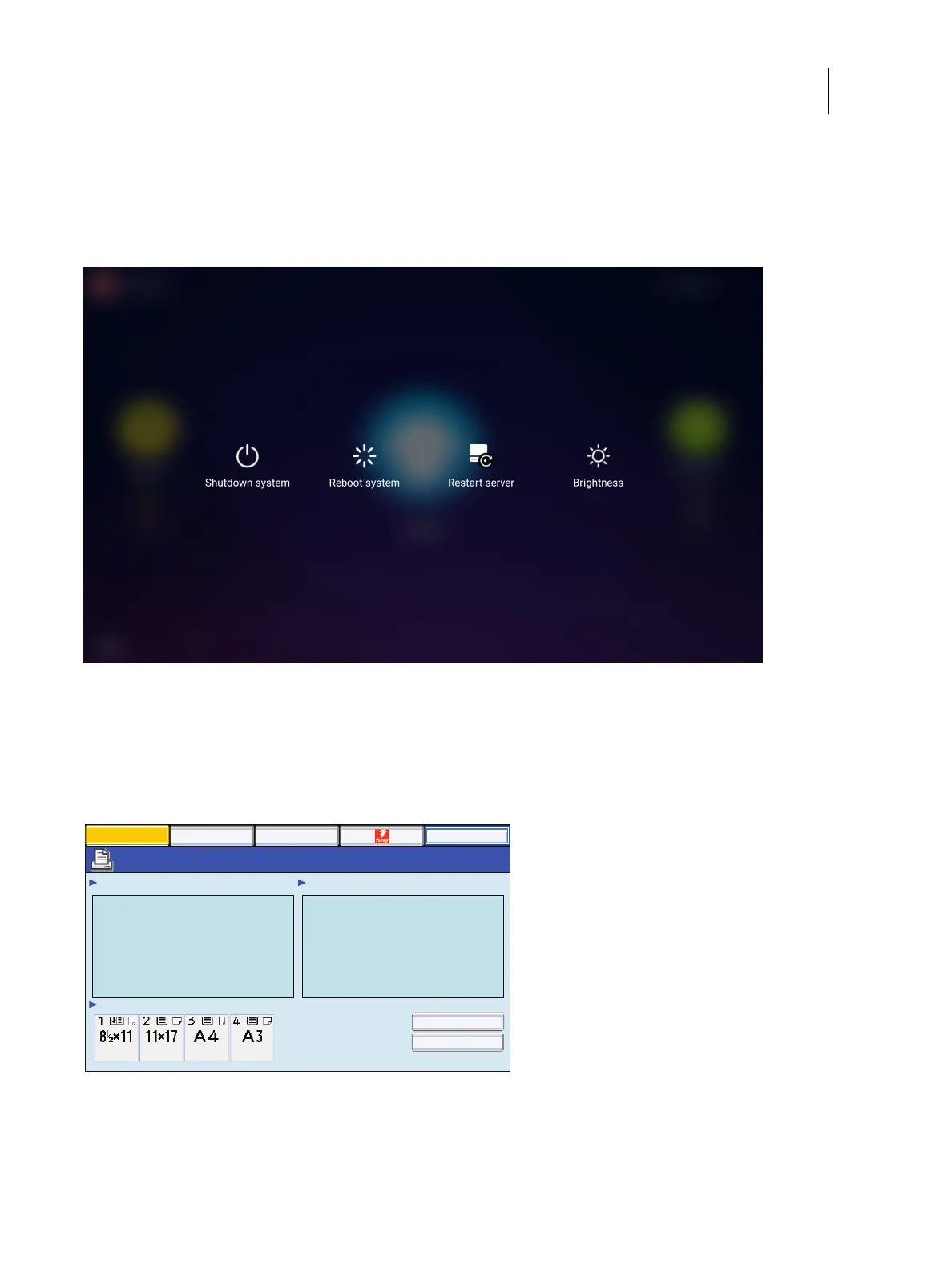
• Reboot system: shuts down all Fiery server software and reboots the system.
• Restart Server: resets the Fiery server software, but does not reboot the entire system.
• Brightness: sets the brightness level of the Fiery QuickTouch screen.
Figure 16: Quick options menu
Using the E-46A from printer operation panel
The “Fiery” icon on the printer operation panel allows you to interact with the E-46A from the printer. The menus
provide access to many of the same options available from Command WorkStation.
Figure 17: The printer operation panel
To access the E-46A from printer operation panel
1 Press the Home button on the printer operation panel.
Main
Waiting Jobs:
Idle
Paper Tray Status:
Document 3
Document 4
Document 1
Document 2
Printed Jobs:
Job List Tools
Suspend Printing
Resume Printing
Login



 To Next Page