9Installation and Service Guide: Color Controller E-46A
Introduction
Introduction
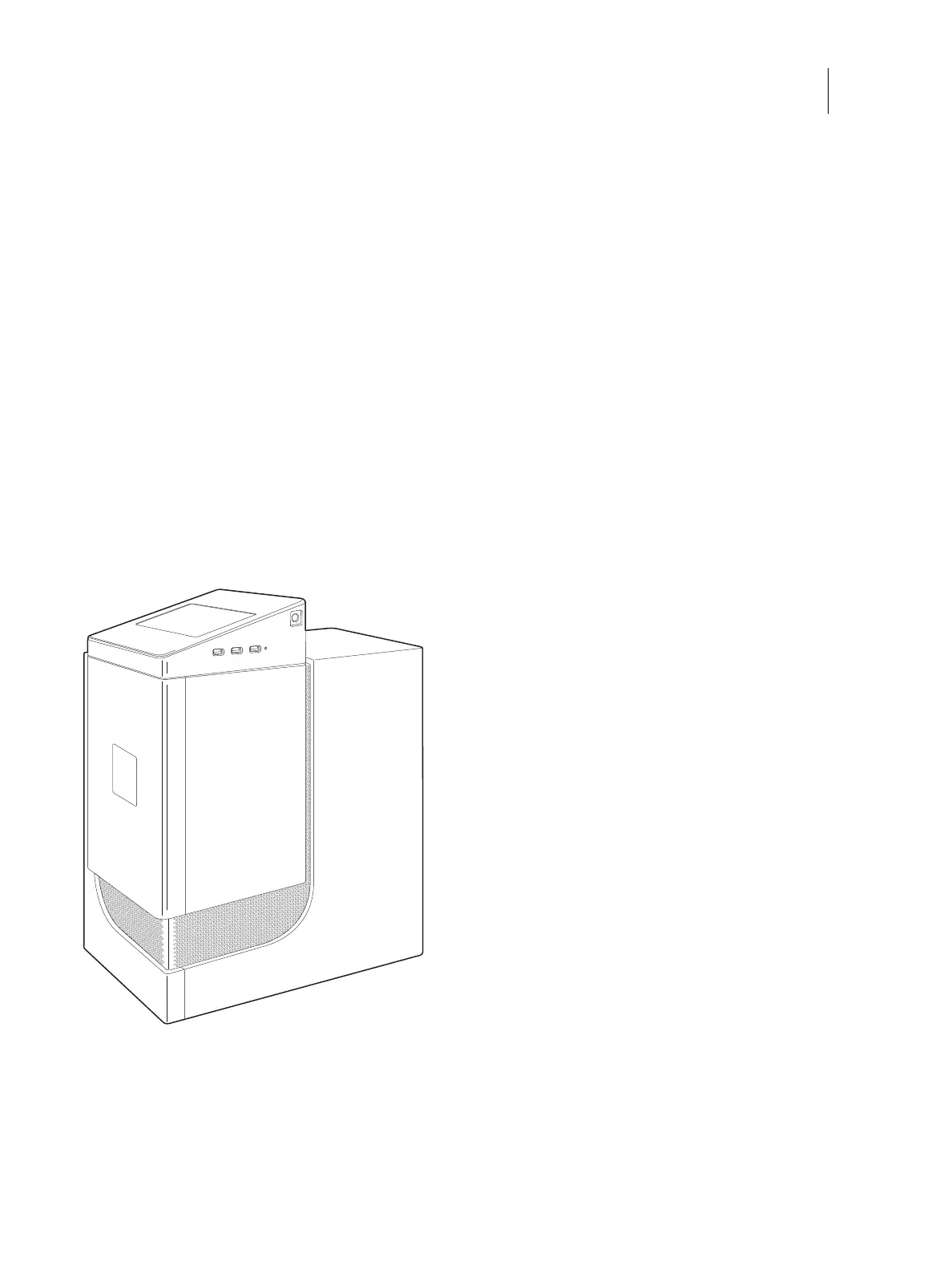
This document includes information about servicing the Color Controller E-46A. In this document, the Color
Controller E-46A is referred to as “the E-46A.”
About the E-46A
The E-46A adds computer connectivity and highly efficient PostScript and PCL printing ability to the Pro C7200 series
printer.
With the E-46A, customers can use the printer as a PostScript and PCL printer, and scanner, and it provides efficient
image processing and printing controls. Once it is connected to the printer through a network, customers can print to
the E-46A from supported client computers on the network (Windows or Mac, or a UNIX workstation running TCP/
IP).
The E-46A ships with system software pre-installed so that customers can use the E-46A immediately. However, as
part of servicing the E-46A, you may need to reinstall system software.
Figure 1: The E-46A
About the Fiery NX Station (optional)
Fiery NX Station is an optional feature for E-46A. Fiery NX Station includes a furniture, monitor, wireless keyboard
and mouse. With the Fiery NX Station, you can install the E-46A on a furniture, connect the E-46A to a monitor,
keyboard and mouse, and use the Fiery Advanced Controller Interface (FACI) options available for the E-46A.



 To Next Page