User Guide • SC3-LARGO • CompactPCI
®
Serial CPU Board • Intel
®
Core
TM
5xxx Processor
Configuration Jumpers
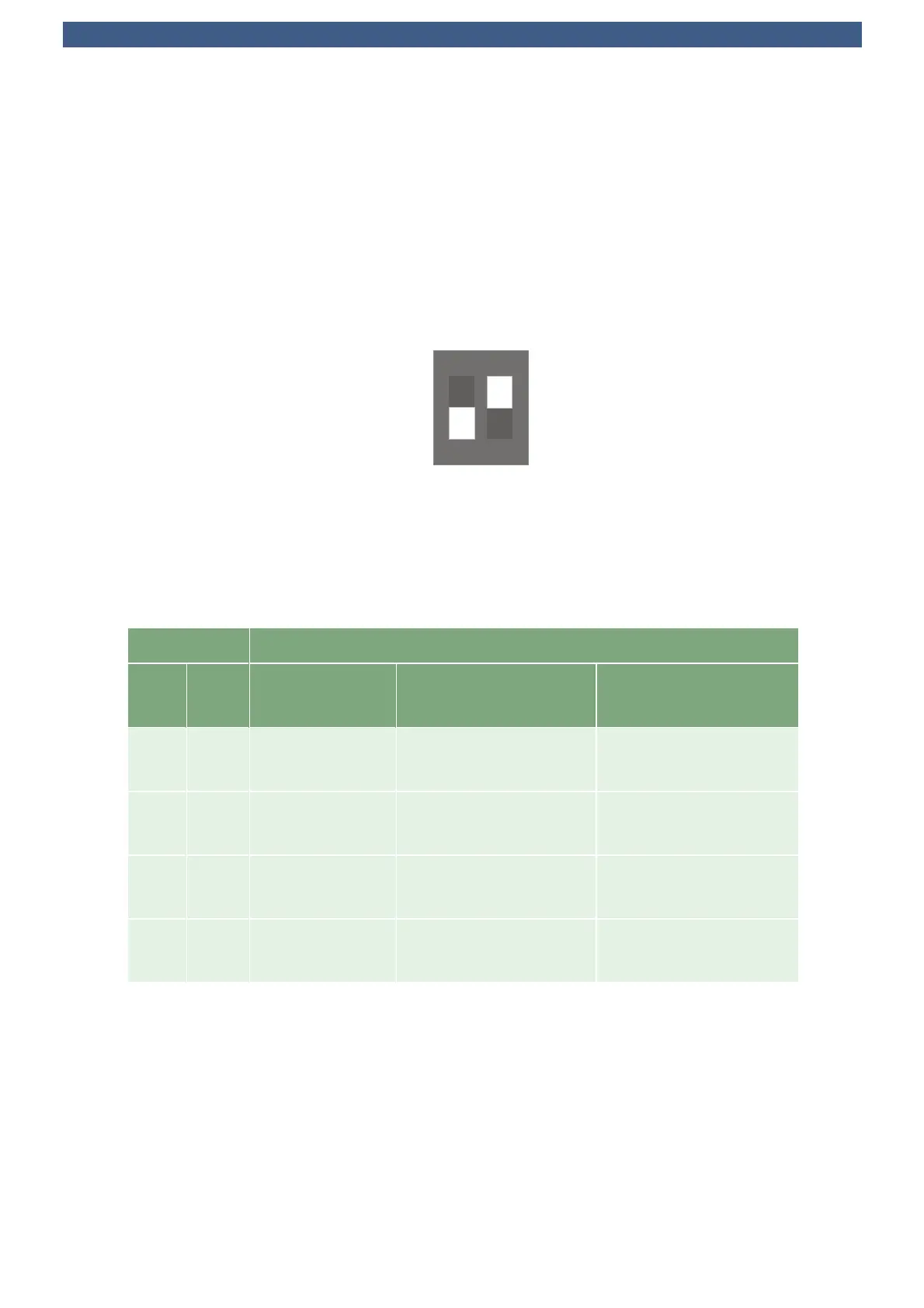
Configuration PCI Express Switch (DS-P)
The link width and transfer rate of the PCI Express interfaces attached to the local expansion
connector P-PCIE is configurable by two DIP switches (DS-P) located on the backside of the
SC3-LARGO. Note that changes in PCIe link configuration are honoured by the board not before a
system reset was performed.
DS-P PCIe Link Width
12 PCIe Switch
Upstream
CPCI Serial
1)
P-PCIE
OFF OFF 4 Lanes @
5GT/s
6 Links x 1 Lane @
5GT/s
4 Links x 1 Lane @
5GT/s
ON OFF 4 Lanes @
5GT/s
6 Links x 1 Lane @
5GT/s
1 Link x 4 Lanes @
5GT/s
OFF ON 4 Lanes @
2.5GT/s
6 Links x 1 Lane @
2.5GT/s
4 Links x 1 Lane @
2.5GT/s
ON ON 4 Lanes @
2.5GT/s
6 Links x 1 Lane @
2.5GT/s
1 Link x 4 Lanes @
2.5GT/s
1)
Consists to the non fat pipe slots, generally periphery slots 3 to 8.
When the port on P-PCIE is configured as single link, the PCIe switch may size down the link width to
x2 or x1 by auto-negotiation.
ON
1
2
160.15.02.0
© EKF • ekf.com
DS-P
© EKF -76- ekf.com



 To Next Page