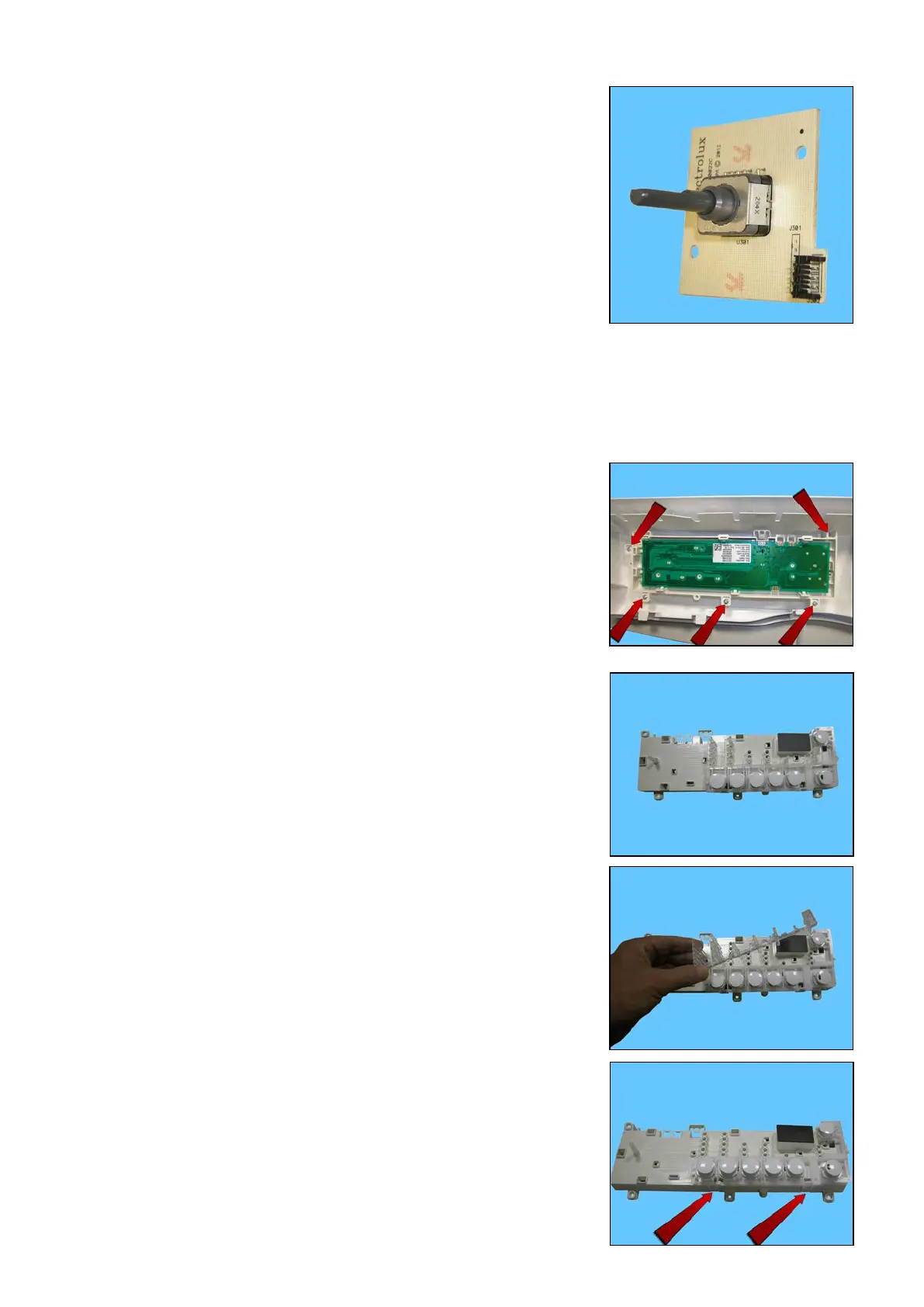
When putting it back together, ensure that the selector pin slots
into the knob.
23.2.4 Display board/spring and button assembly Z3/Z6
Remove the worktop (see relevant paragraph).
Remove the control panel (see relevant paragraph).
Remove the screws which secure the board assembly to the control
panel.
Display board with pushbuttons and light diffuser
• LED Light Diffuser
Remove it from its position
• Pushbutton support and Pushbuttons
Release the pushbutton support from the card casing
Technical Support - DMM 100/124 599 75 58-67 Rev.04




 To Next Page