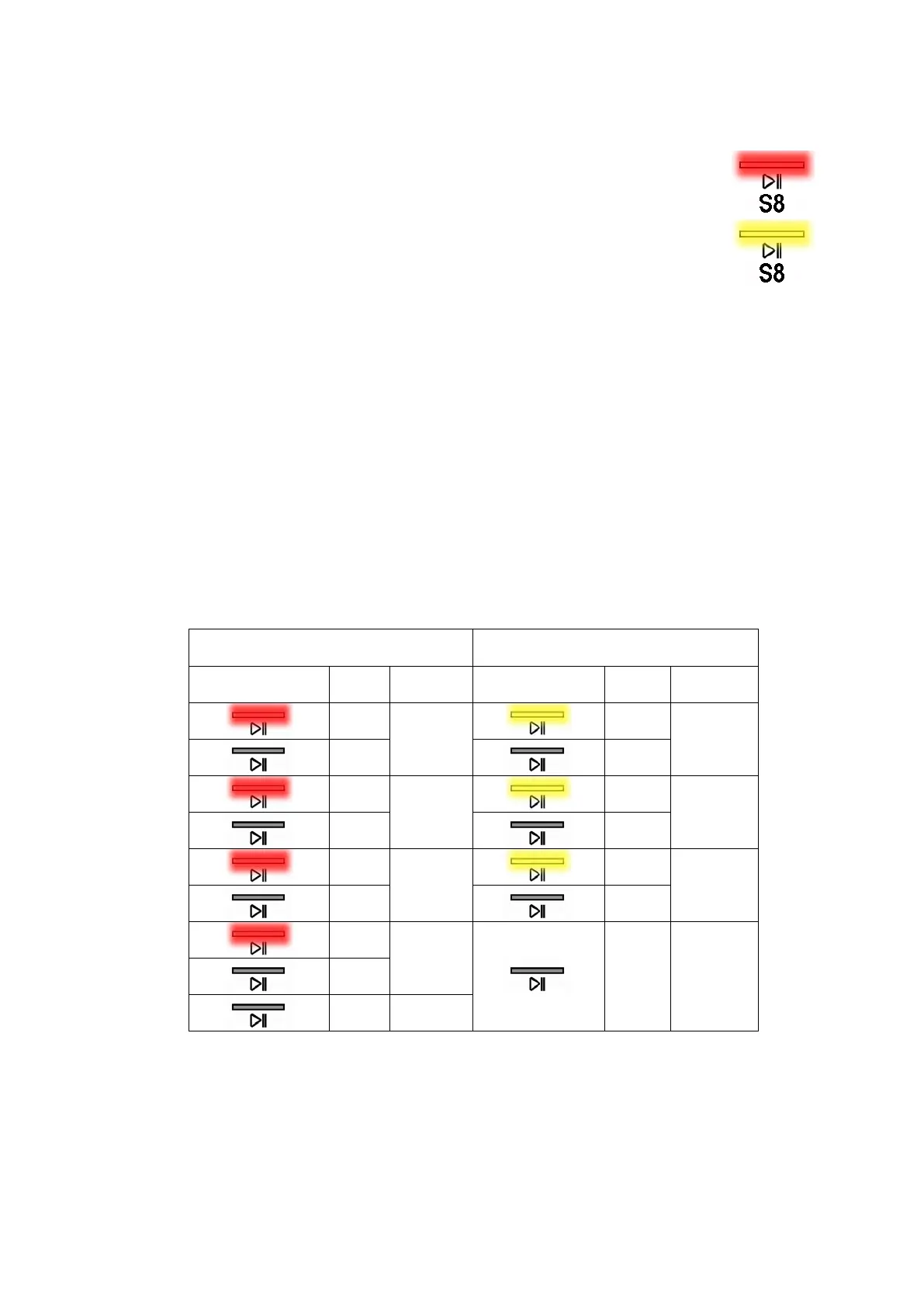
10.2.1 Viewing the TC5 aesthetic alarm
The alarm is displayed by a repeated flashing sequence of the START/PAUSE sensor red and yellow lights
(0.5 seconds on, 0.5 seconds off with a 2.5 second pause between sequences).
• START/PAUSE sensor indicator with red light
indicates the first digit of the
alarm code (family)
• START/PAUSE sensor indicator with yellow light
indicates the second digit
of the alarm code (number inside the family)
These two LEDs are present in all models.
Notes:
• The first letter of the alarm code “E” (Error) is not displayed, since this letter is common to all alarm codes.
• Alarm code families are expressed in hexadecimals; and therefore the letters:
→ A is represented by 10 flashes
→ B is represented by 11 flashes
→ ...
→ F is represented by 15 flashes
• Configuration errors are displayed by all LEDs flashing (user interface not configured).
10.2.2 Example of alarm display
Let us take alarm E43 (problem with the door safety TRIAC) as an example; the following will be displayed:
• A sequence of four flashes of the START/PAUSE sensor red light indicates the first number E
43.
• The sequence of three flashes of the START/PAUSE sensor with the yellow light indicates the second
number E4
3.
10.2.3 Behaviour of the alarms during diagnostic testing
All alarms are enabled during diagnostic testing of the components.
START/PAUSE sensor with red light
START/PAUSE sensor with green
light
On/off
Value On/off
Value
0.5
1
0.5
1
0.5
0.5
0.5
2
0.5
2
0.5
0.5
0.5
3
0.5
3
0.5
0.5
0.5
4
2.5 Pause
0.5
1.5 Pause
Technical Support - DMM 40/124 599 75 58-67 Rev.04




 To Next Page