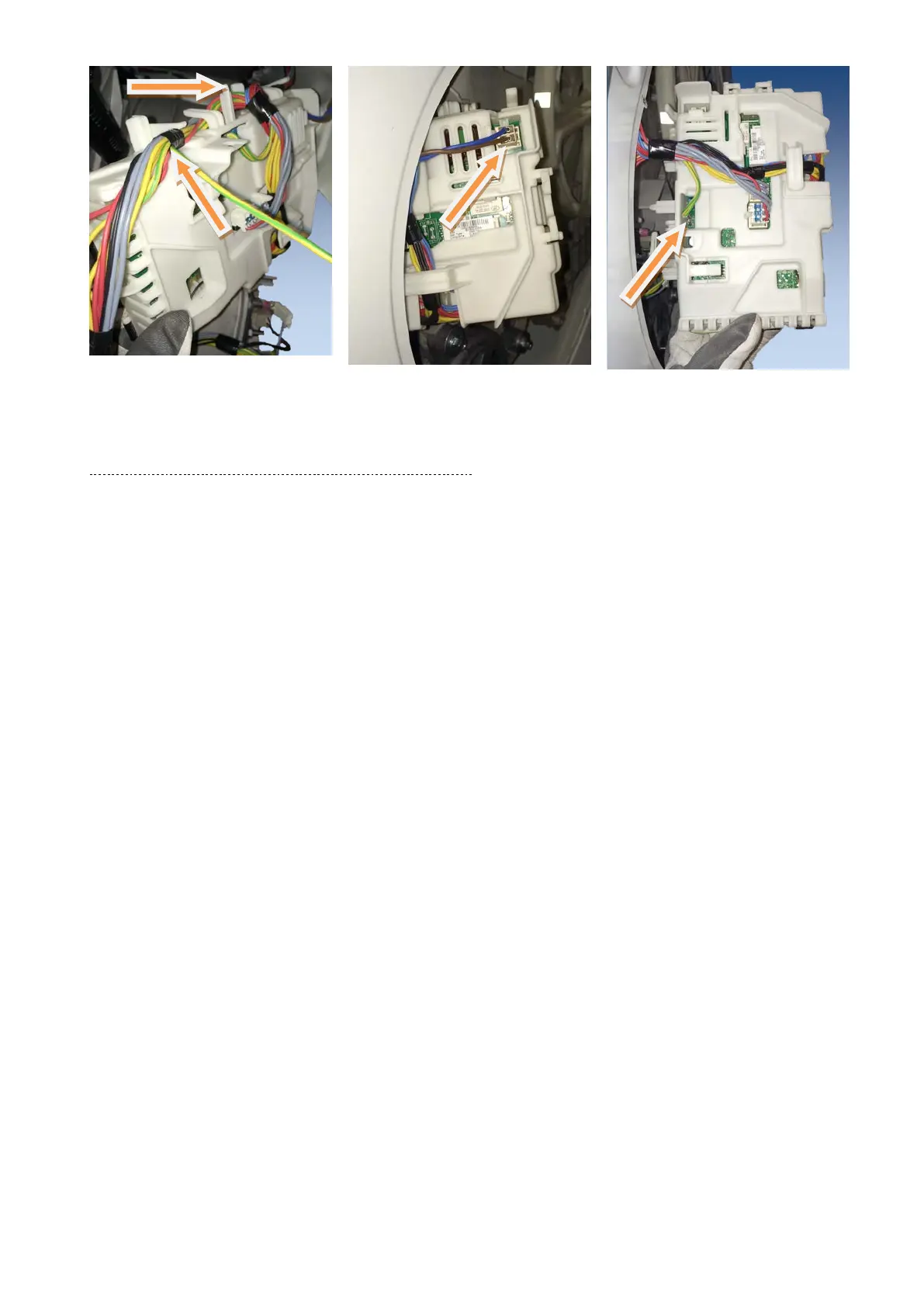
Remove the bundled cables from
the hooks that hold them close to
the board
Take out the board through the
hole after removing the back cover
of the washing machine.
Remove the connectors of the
power cable from main board.
Remove the connectors and the
faston that connects the earth
(beware as it is fitted with an anti-
sliding stop). Remember to use the
See paragraph 23.4.7 EWX14931 Main board page 116
Technical Support - DMM 115/124 599 75 58-67 Rev.04




 To Next Page