Use and maintenance manual
Page 23
Engineering Department PHONE: +39 0532 829 965 - FAX: +39 0532 829 177
E-Mail: support@elenos.com
3. USER INSTRUCTIONS
From the RDS menu (page 21)
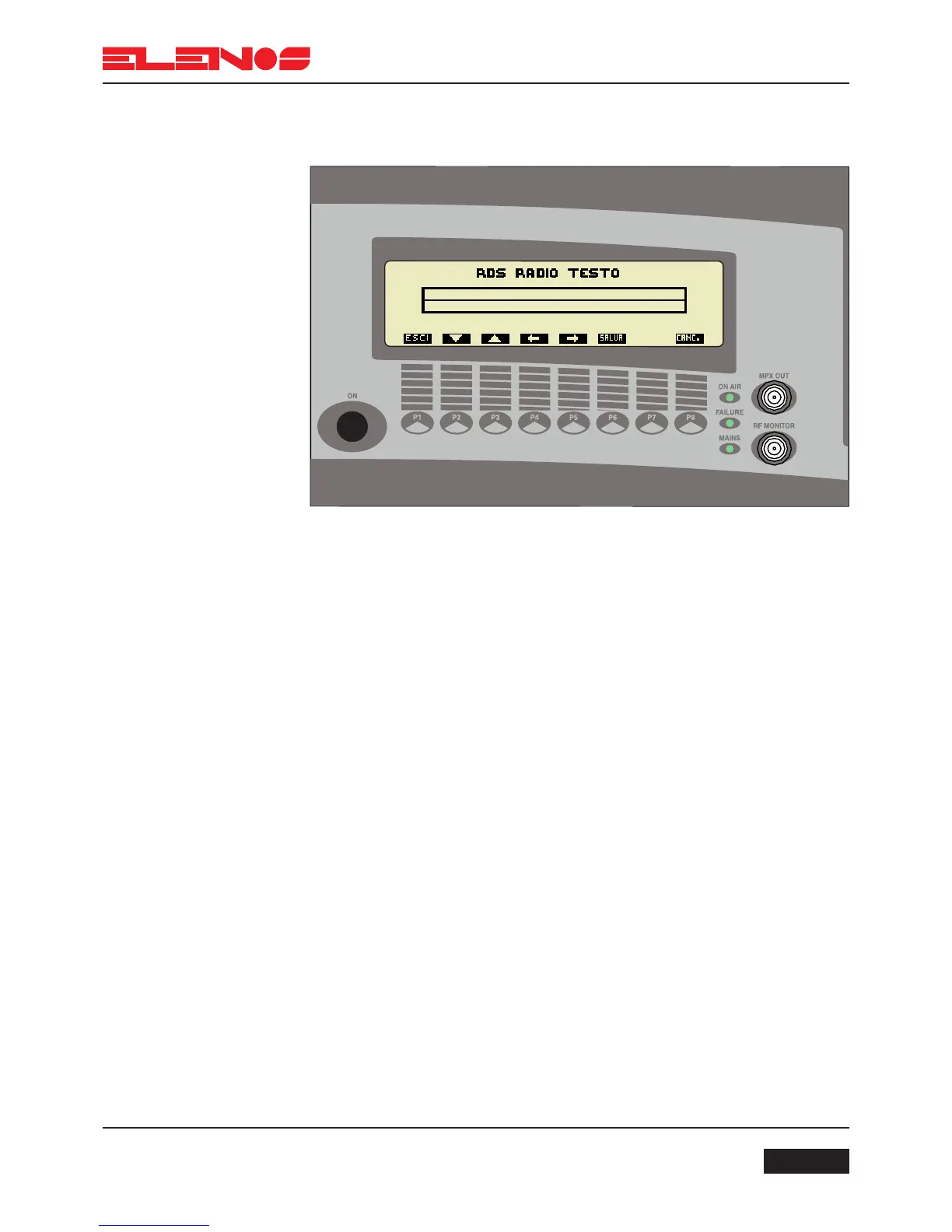
Press key P4 to set the RDS TEXT message
Press key P1 to return to the main RDS menu
Press keys P4 and P5 move the cursor
Press keys P2 and P3 to select the letter to insert
Press key P6 to save the changes made to the message
N.B. If unsaved, the previous message will remain unchanged
Press key P8 to delete the whole message
3.4.8.
RDS Menu
(Optional)



 To Next Page