Use and maintenance manual
Page 24
Engineering Department PHONE: +39 0532 829 965 - FAX: +39 0532 829 177
E-Mail: support@elenos.com
3. USER INSTRUCTIONS
3.4.8.
RDS menu
(Optional)
From the RDS menu (page 21)
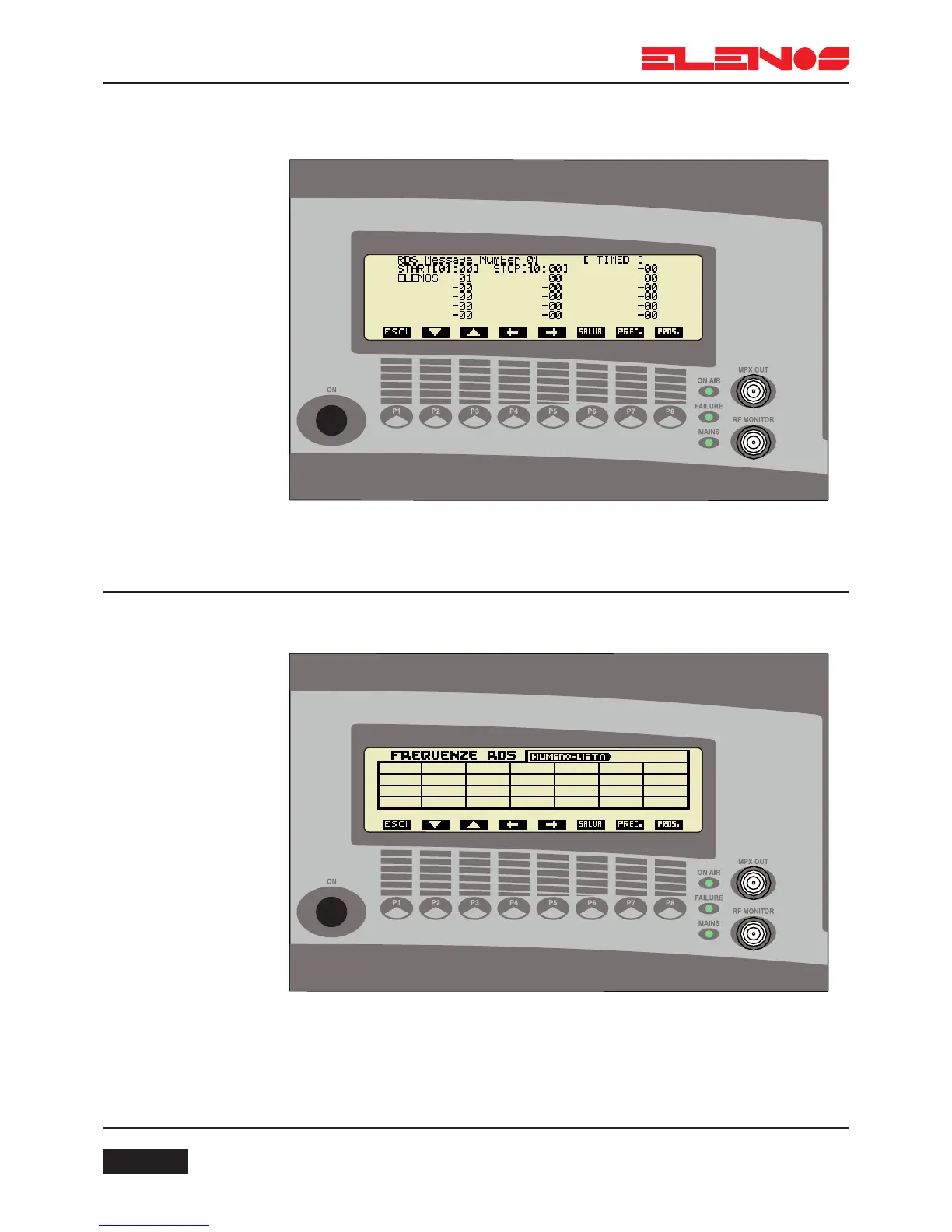
Press key P3 to set alternative frequencies
This window shows one of the sixteen lists of RDS frequencies.
The following is displayed in this window:
Display of the list number
Display of the type of list (A or B)
Display of the list header (only for list type “B”)
28 fields that can be filled with 24 frequencies of type “A” or 12 of type “B”
From the RDS menu (page 21)
Press key P2 to display the RDS messages
Status display (Disable, Timed, Scroll)
Display of START and END display time
16 fields comprising 8 characters each and display times in seconds



 To Next Page