VI.
If a file has been created, use the up and down buttons to select the file as shown in Figure 6.10.7.
VII.
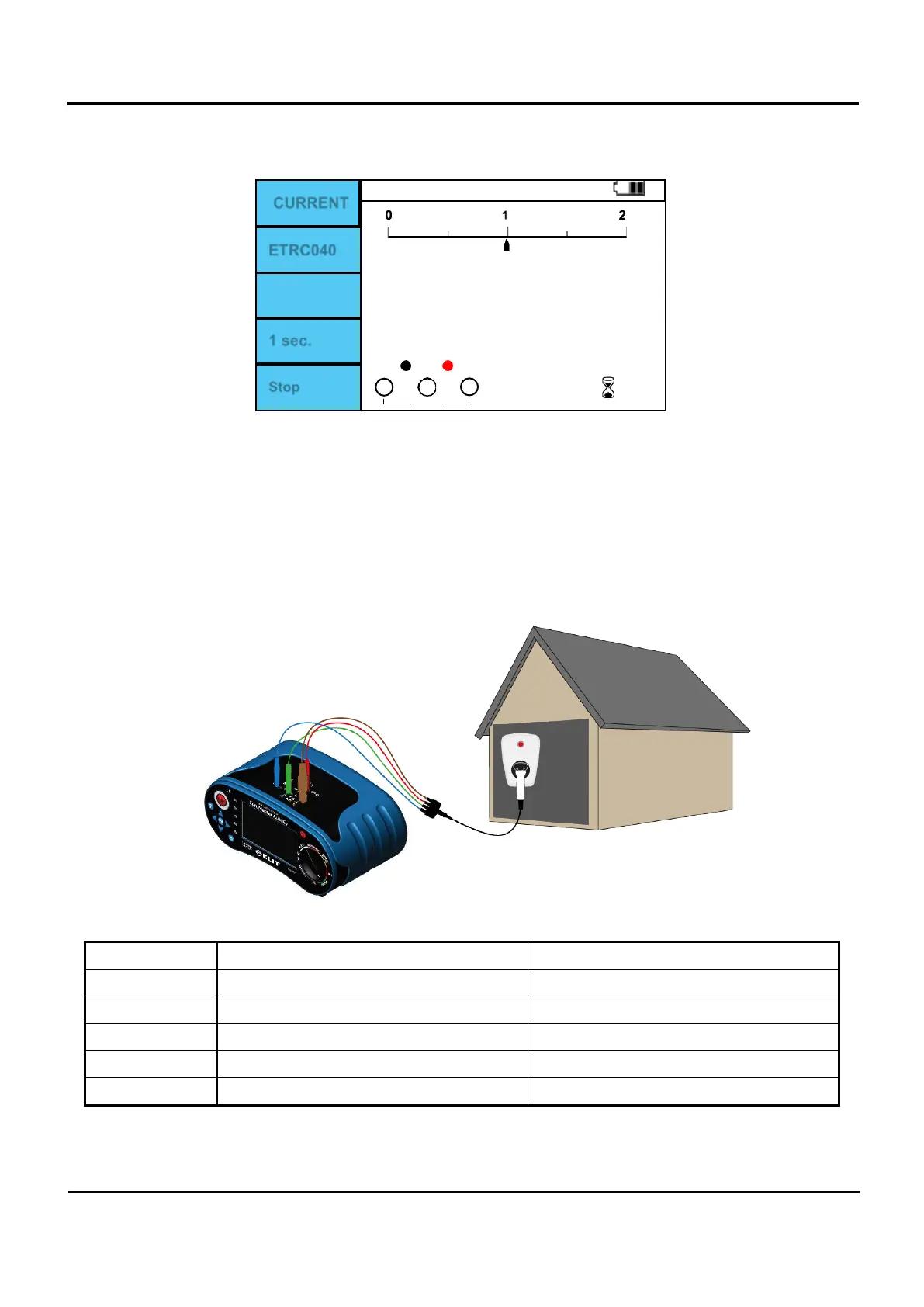
If a file is selected, press F3 (Write) to start logging.
CURRENT
ETRC040
A
1 sec.
0
0
Stop
Figure 6.10.8 Adaptor/ Current Clamp Logging.
VIII.
To stop logging, press F5 (Stop).
Adaptor / EVSE
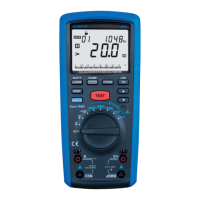
Figure 6.10.9 Adaptor/ EVSE connection.
Input terminal Phase 1 Phase 3
COM PE PE
CP EV CP CP
L
L
L1
PE Null L2
N
N
L3
Table 6.10.1 EVSE Input terminal connection method.


 To Next Page