31
BASIC
OPERATIONS
Microscope mode
This is a function to set the product to a mode suitable for use with a microscope.
For information on how to use or connect the microscope to the product, refer to
“3-4 Displaying enlarged images using a microscope".
Compare Picture function
To display the live camera image and a still image stored in an SD card/USB ash
drive together in one screen.
(Max. 4 images can be displayed in one screen. It is not possible to display
multiple live camera images.)
Compare Picture operations
When Compare Picture [ ] in the menu displayed by pressing the MENU button
[ ] either on the remote control or the operating panel is pressed while the
camera image or the playback mode is displayed, the USB/SD screen is displayed.
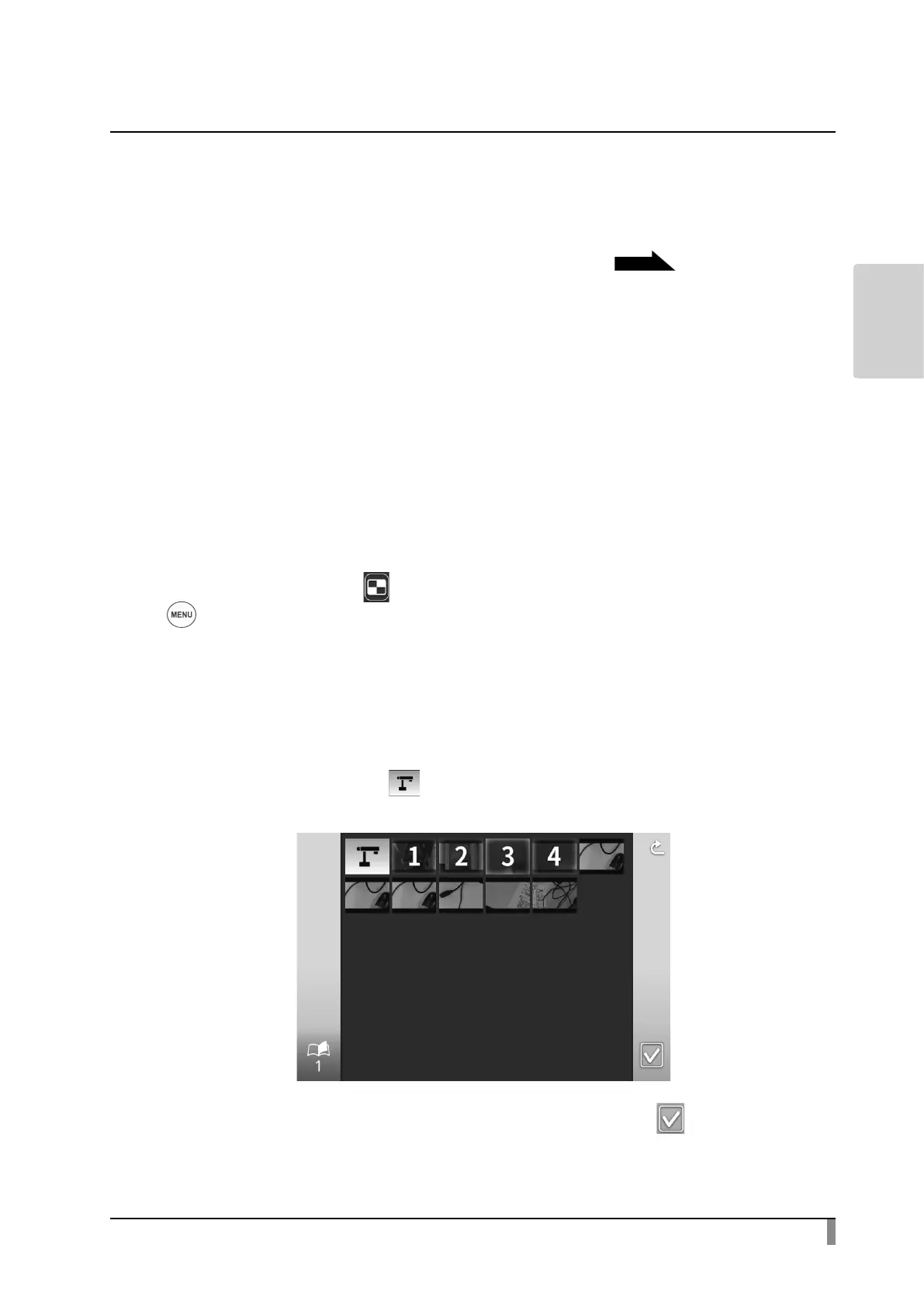
A list of still images is displayed when the saving destination of the still image [SD
still image compare/USB still image compare] is selected. Select the image to be
displayed in split screen. (Max. 4 images can be selected.)
※ Press the Camera icon[ ] at the top left of the screen to display the live
camera image in the split screen.
The split screen is displayed when the Execute Split button [ ] is selected.
P.62


 To Next Page