17
English
BASIC
OPERATIONS
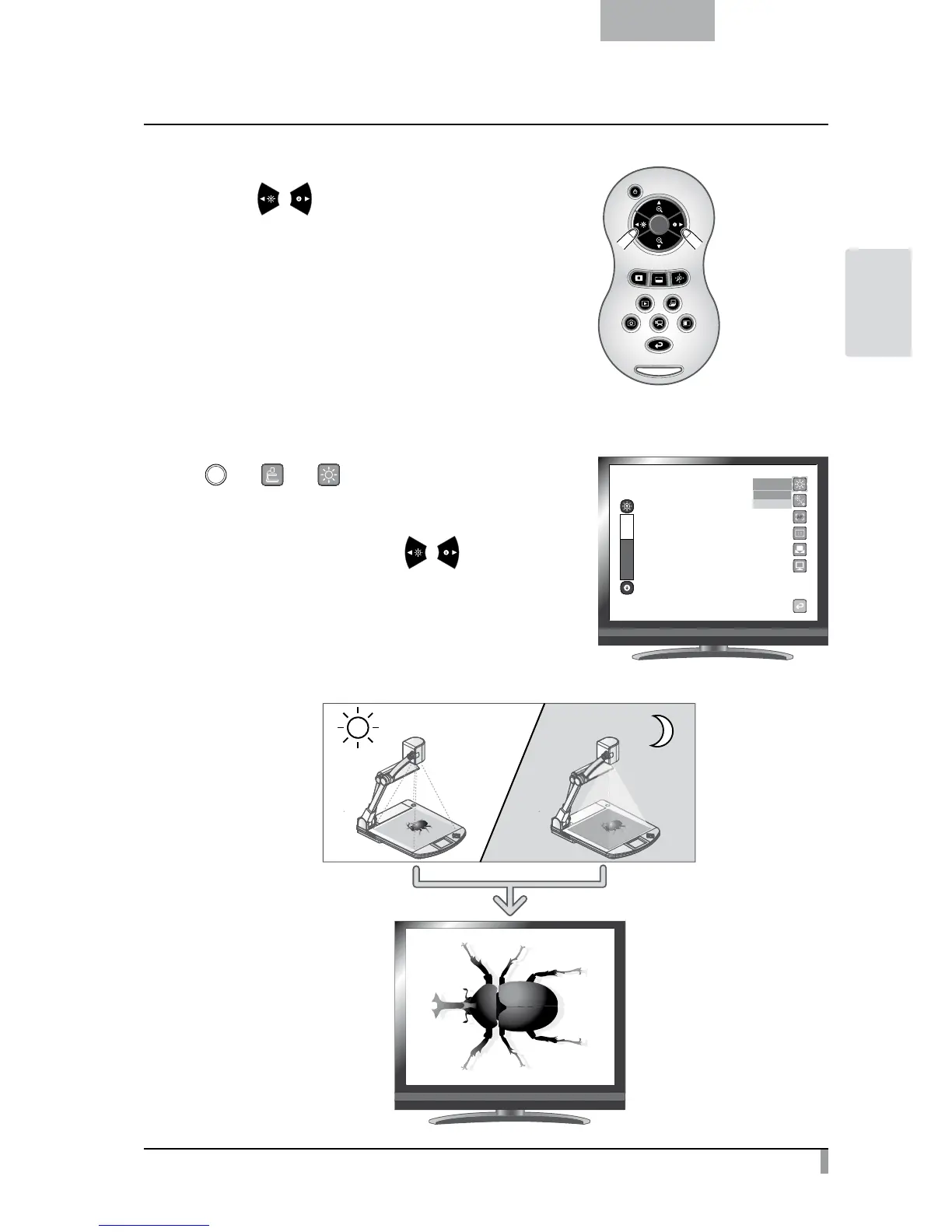
Adjusting the brightness
Press the [ / ] buttons on the remote control to adjust
the image brightness.
The following two adjustment modes can be set by selecting
[Brightness] from the menu on the screen.
Automatic brightness adjustment
( [ ]
→
[ ]
→
[ ]
→
[Auto] )
To ensure the constant degree of brightness, the brightness of
the image changes automatically according to the brightness of
the shooting environment. Use the [
/ ] buttons on the
remote control to change the automatic brightness adjustment.



 To Next Page