71
English
ADVANCED
OPERATIONS
Menu descriptions
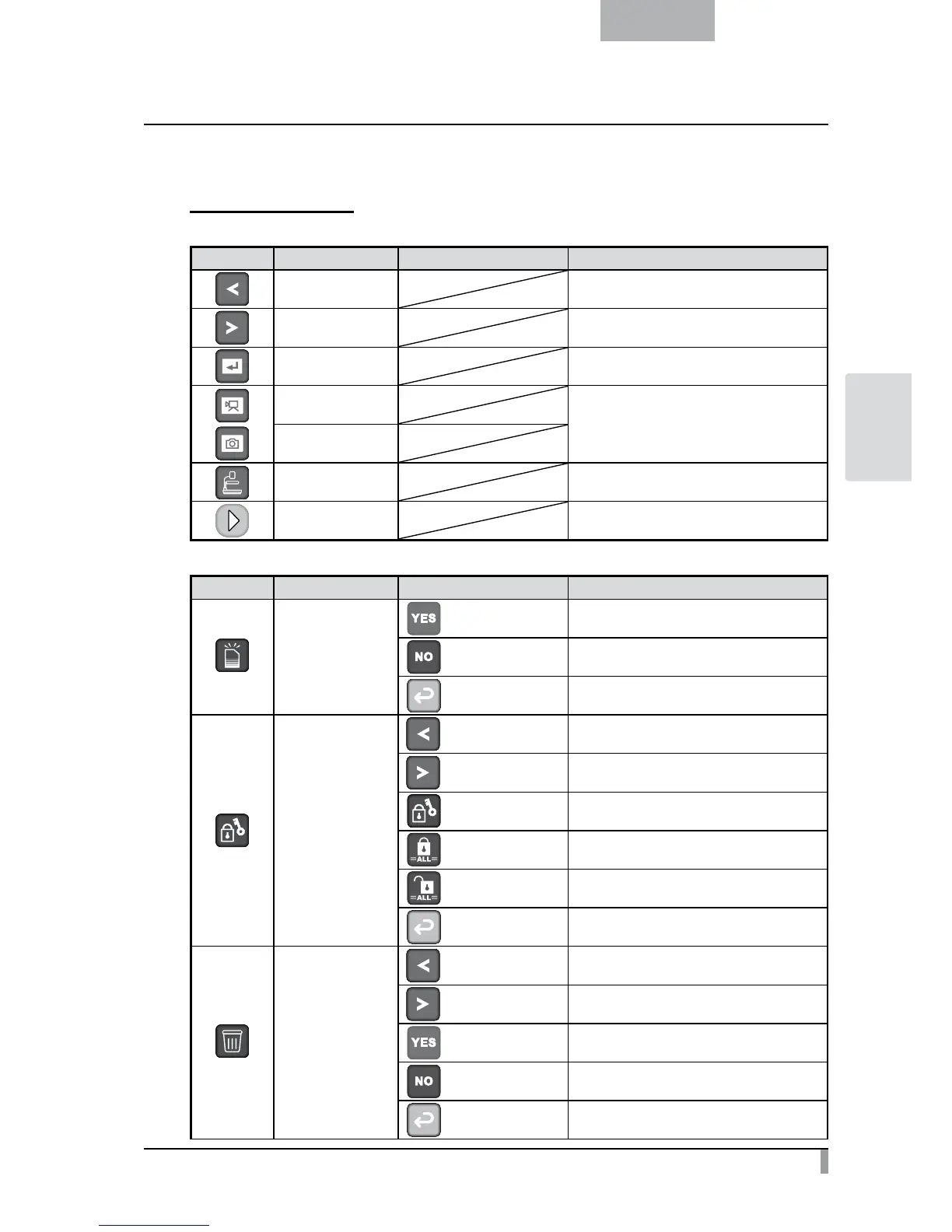
Thumbnail display
・
Menu 1
Icon Name Selection Item Function
Previous Picture To move to the previous picture.
Next Picture To move to the next picture.
Full-Screen Display To display selected picture or movie full-screen.
Movie
To switch the data displayed as thumbnails
between movies and pictures.
Picture
Camera Image To switch the screen to camera image.
Next Menu To move to the next menu page.
・
Menu 2
Icon Name Selection Item Function
Format
Yes
To format the USB flash drive or SD card.
No
To cancel formatting.
Exit To return to the previous level of menu.
Memory Lock
Previous Picture
To move to the previous picture.
Next Picture
To move to the next picture.
Lock/Unlock
To lock (set as protected) or unlock (set as
unprotected) the selected image.
Lock All
To lock (set as protected) all thumbnail images.
Unlock All
To unlock (set as unprotected) all thumbnail
images.
Exit To return to the previous level of menu.
Delete
Previous Picture
To move to the previous picture.
Next Picture
To move to the next picture.
Yes
To delete the selected image.
No
To cancel deletion.
Exit To return to the previous level of menu.



 To Next Page