38
English
ADVANCED
OPERATIONS
•
Formatting the SD card/USB flash drive.
When you need to format the SD card/USB flash drive, insert it into this product and execute
formatting.
①
Press the [
] button on the operating panel or [ ] button on the remote control to
switch the output image to Play mode.
②
From the menu, select [
] to switch the menu.
③
Select [ ] from the menu.
④
Select [ ] to start formatting. If you do not want to format, select [ ]
.
N o t e
Saving images
Picture
Basic operations
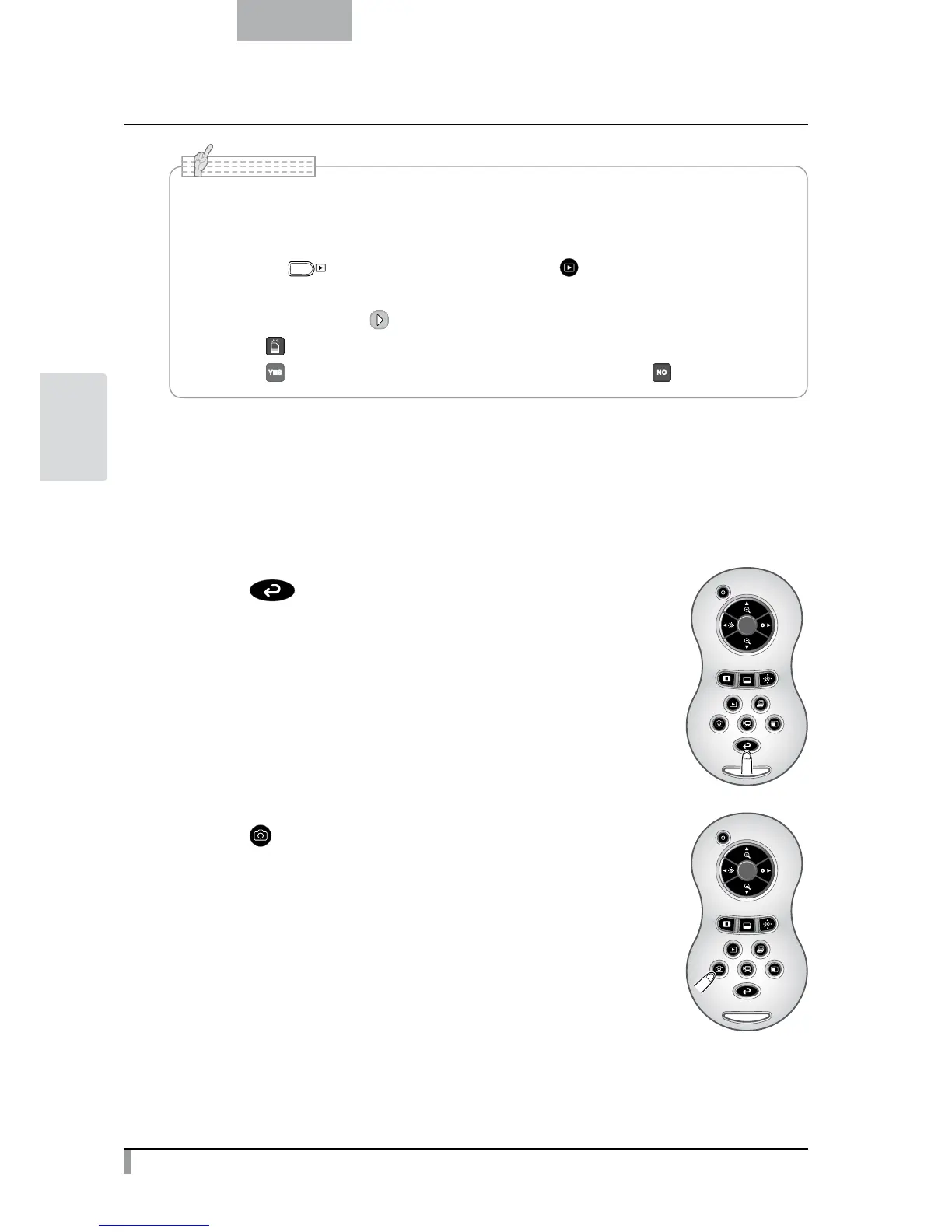
①
Press [ ] button on the remote control.
②
Press [ ] button on the remote control.



 To Next Page