47
English
ADVANCED
OPERATIONS
Displaying a picture full-screen
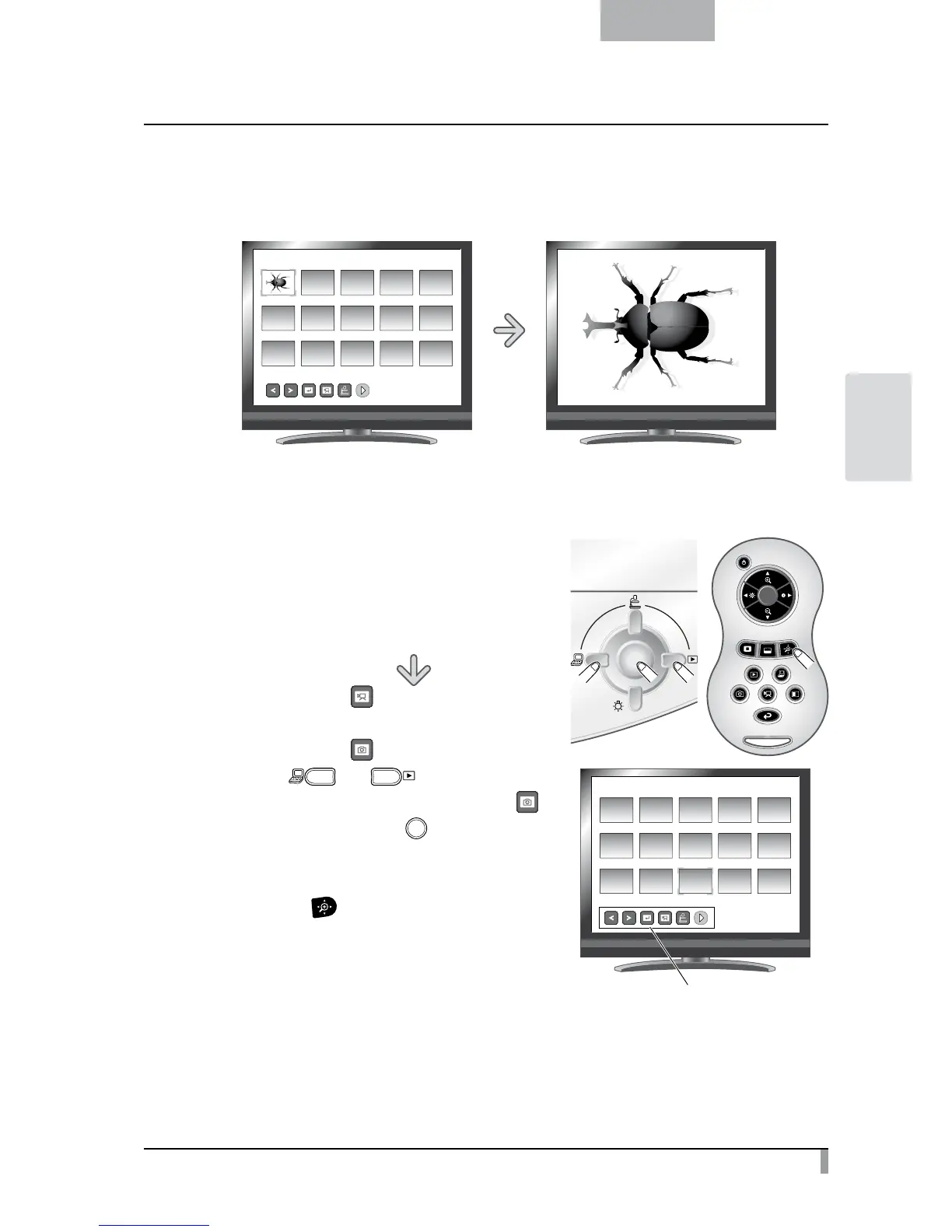
You can display a picture you selected from the thumbnails (list of pictures/movies) full-screen.
SD/Picture
001/003
<Thumbnail Images> <Full-Screen Picture>
Basic operations
①
Show in the Thumbnail Menu the icon for displaying
the list of pictures.
Then, the current status of the selection is displayed
at the bottom right of the screen.
(1) If you see [ ] in the menu, the list of
pictures has already been displayed.
(2)
If you see [
] in the menu, press the
[
]
or [
] button on the
operating panel to move the cursor to [ ]
and then press the [ ] button.
You can display the list of pictures.
Or a list of images can be displayed with
the [
] button on the remote control.
SD/Picture
001/003
Thumbnail menu



 To Next Page