20
English
BASIC
OPERATIONS
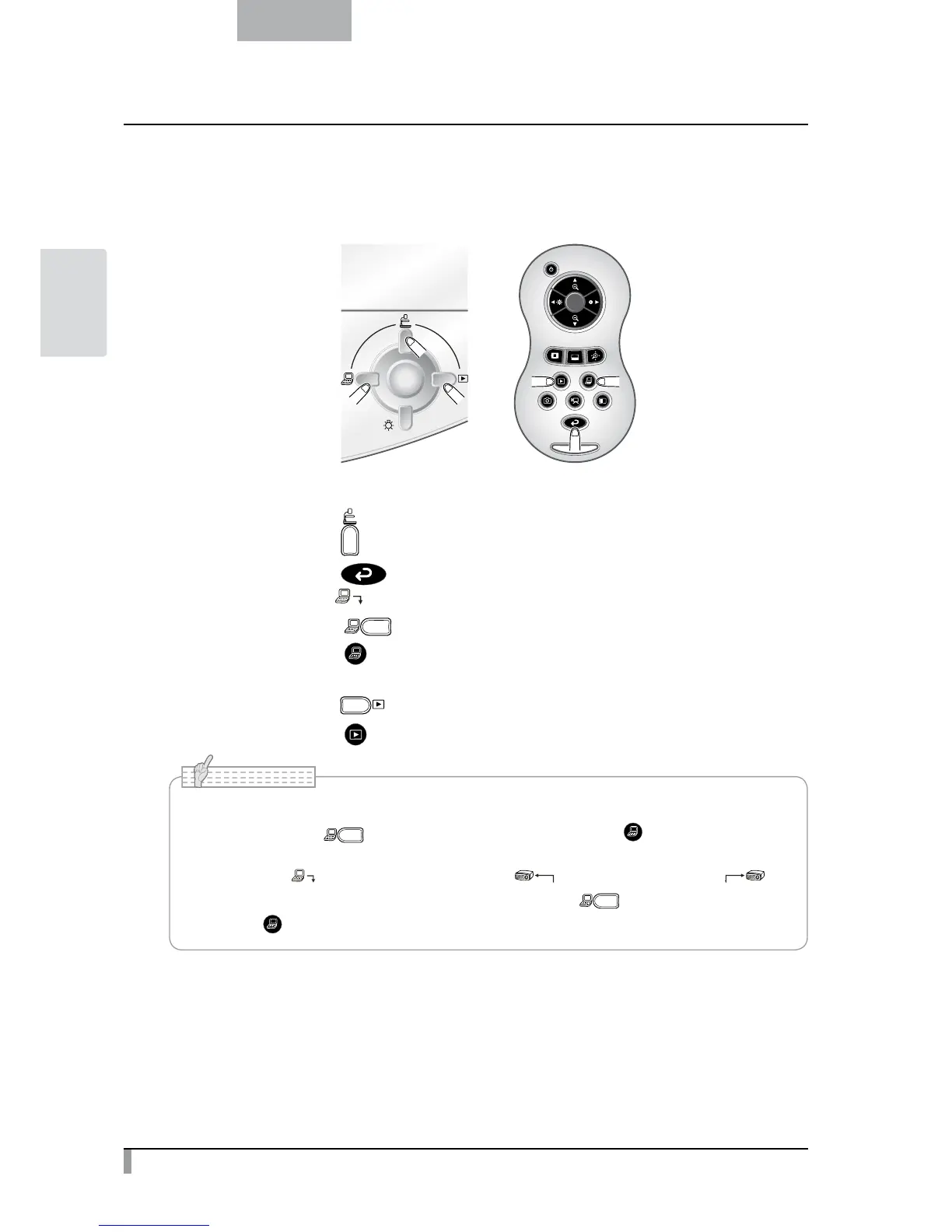
Image selection
Select the image as described below.
Camera image:
[
] button on the operating panel or
[
] button on the remote control.
Image input to the [
] terminal:
[
] button on the operating panel or
[
] button on the remote control.
Image stored on the SD card/USB flash drive:
[
] button on the operating panel or
[
] button on the remote control.
• When using a PC with an external output mode, set the PC to the external output mode
after pressing the [ ] button on the operating panel or the [ ] button on the remote
control.
• Image of the [
] terminal is output from the [
RGB OUT
] terminal only. As to [
HDMI OUT
]
terminal, camera image is displayed on the screen when [ ] button on the operating
panel or [ ] button on the remote control is pressed.
N o t e



 To Next Page