74
English
ADVANCED
OPERATIONS
Shooting off the stage
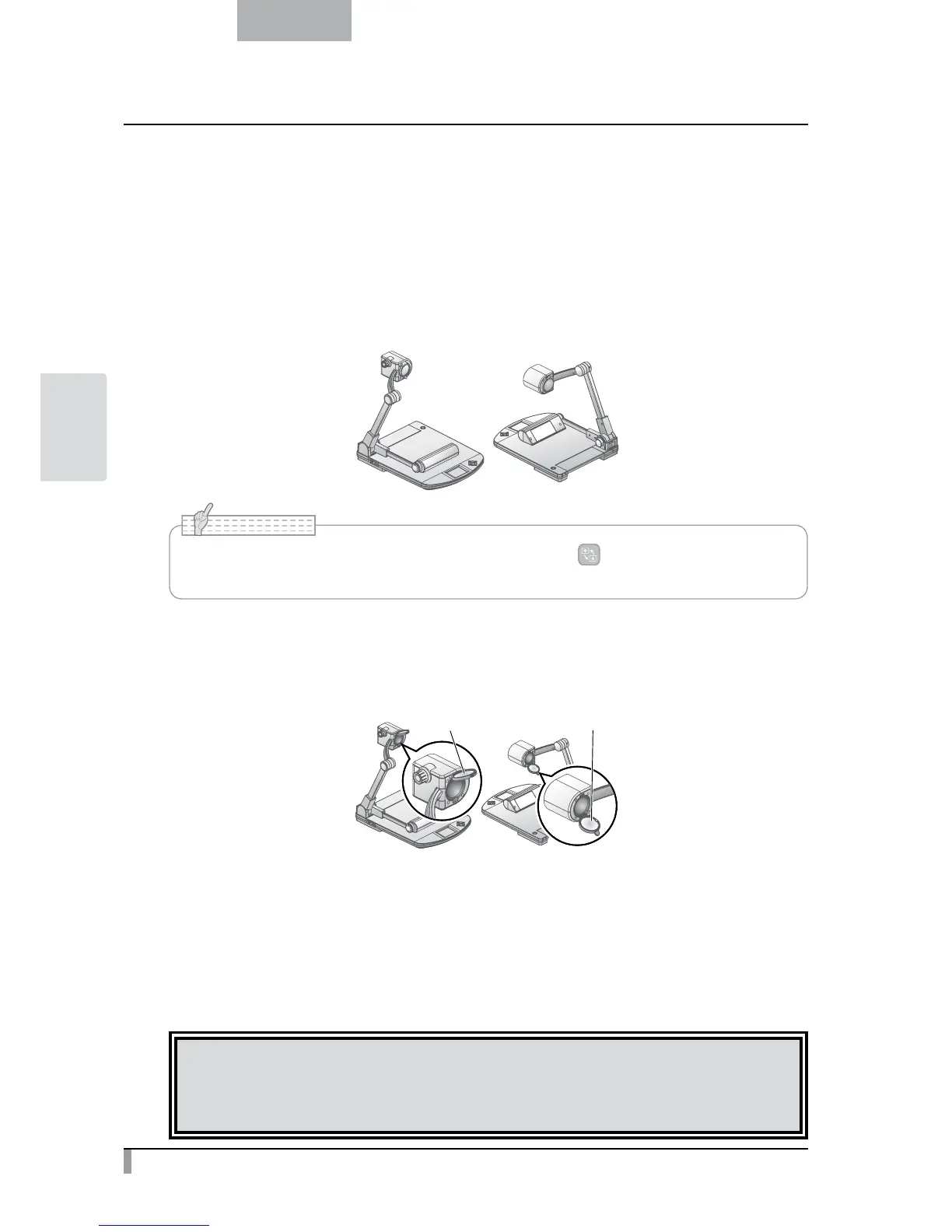
For shooting forward and backward from the camera
①
Set the camera head in the horizontal direction.
The camera head is adjusted automatically so that the camera image will not
be inverted.
<
Forward shooting
>
<
Backward shooting
>
• The camera image can be rotated manually by selecting [ ] in the [Support Function]
menu.
N o t e
For shooting wall or landscape
①
Open the close-up lens holder.
lens holder
<
Forward shooting
> <
Backward shooting
>
②
Shoot a wall or landscape.
Shooting range when the close-up lens holder is open
・TELE side (Telescopic) : 500mm - ∞ from the zoom lens
・WIDE side (Wide-angle) : 100mm - ∞ from the zoom lens
CAUTION
Do not fold the camera column without closing the close-up lens holder.
The close-up lens may be damaged.



 To Next Page