39
English
ADVANCED
OPERATIONS
③
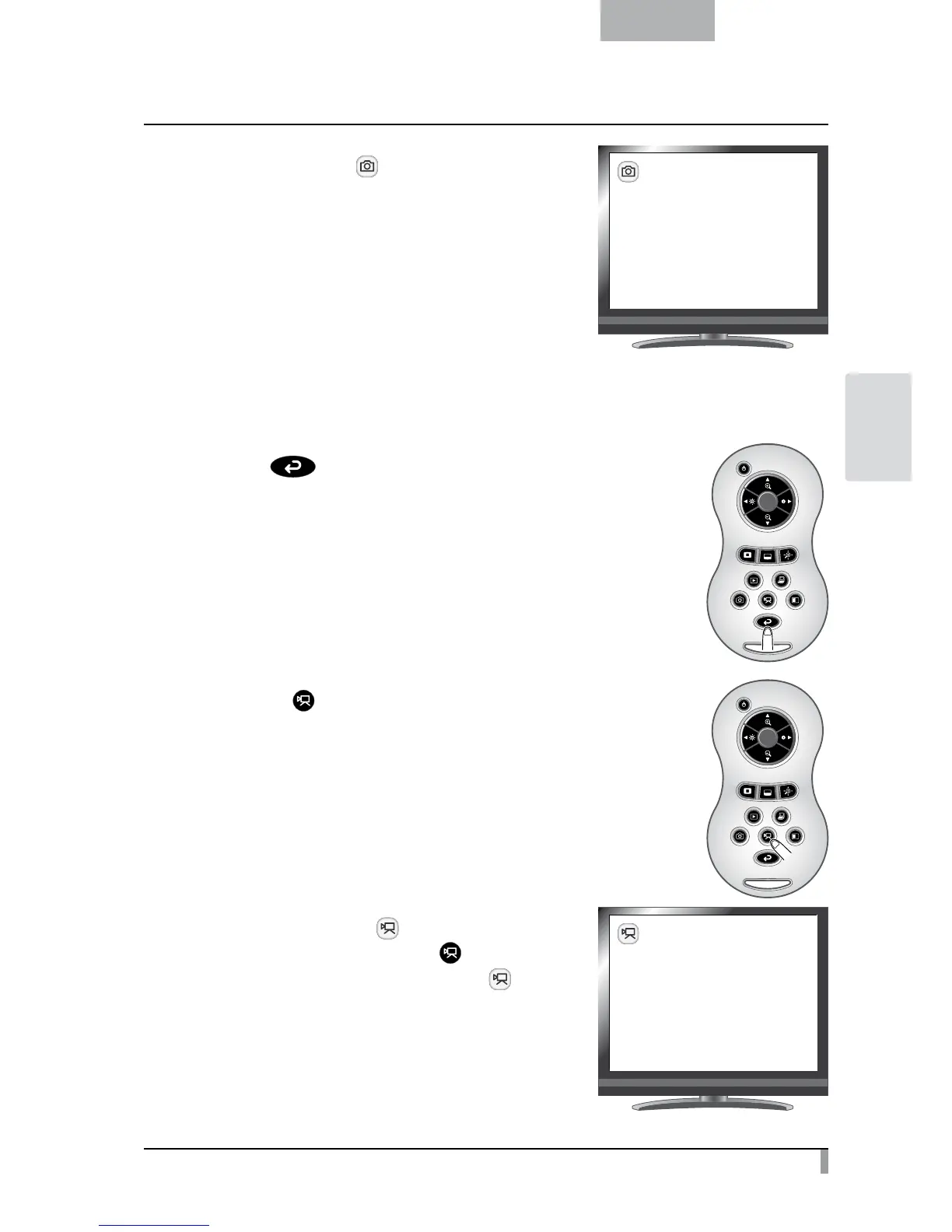
Saving begins when [ ] appears on the screen.
Movie
Basic operations
①
Press [ ] button on the remote control.
②
Press the [ ] button on the remote control.
③
Recording begins when [ ] appears at the top left
of the screen. When you press the [
] button again
on the remote control, recording stops and [
]
disappears.
- Saving -
- Recording -



 To Next Page