40
English
ADVANCED
OPERATIONS
•
Even if the output image is set to HDMI and the resolution is set to 1080p, it is recorded with
720p.
• Use a memory card with a faster read/write speeds (in case of SD card: Class 6 or better), or
the image quality may deteriorates.
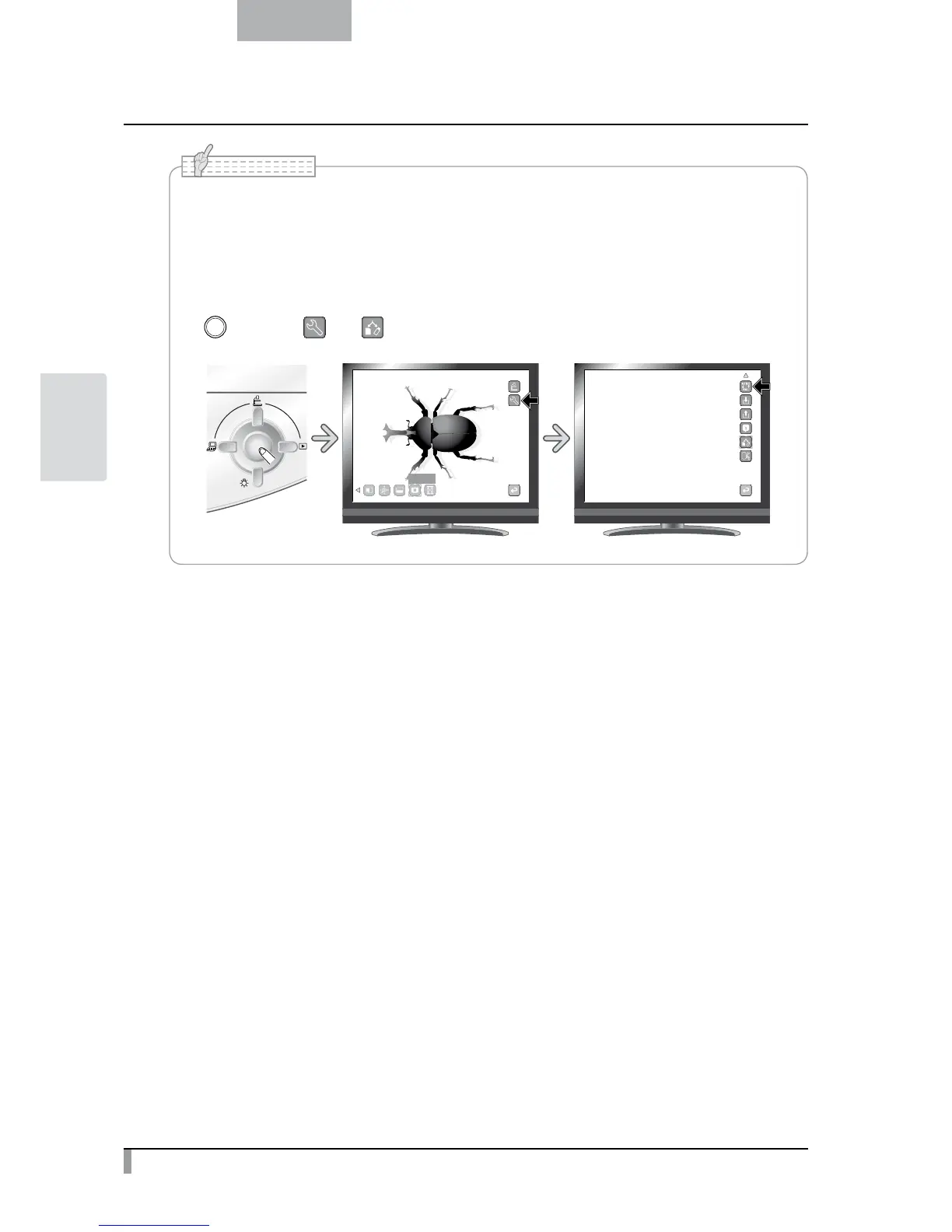
• How to select the destination to save when both SD card and USB flash drive are inserted.
While the camera image is displayed on the screen, select [SD Card] or [USB Flash Drive] in the
[
] button
→
[ ]
→
[ ].
䎫䏌䏊䏋䏏䏌䏊䏋䏗
N o t e



 To Next Page