63
English
ADVANCED
OPERATIONS
Selecting how to use the pen tablet from
the tablet menu
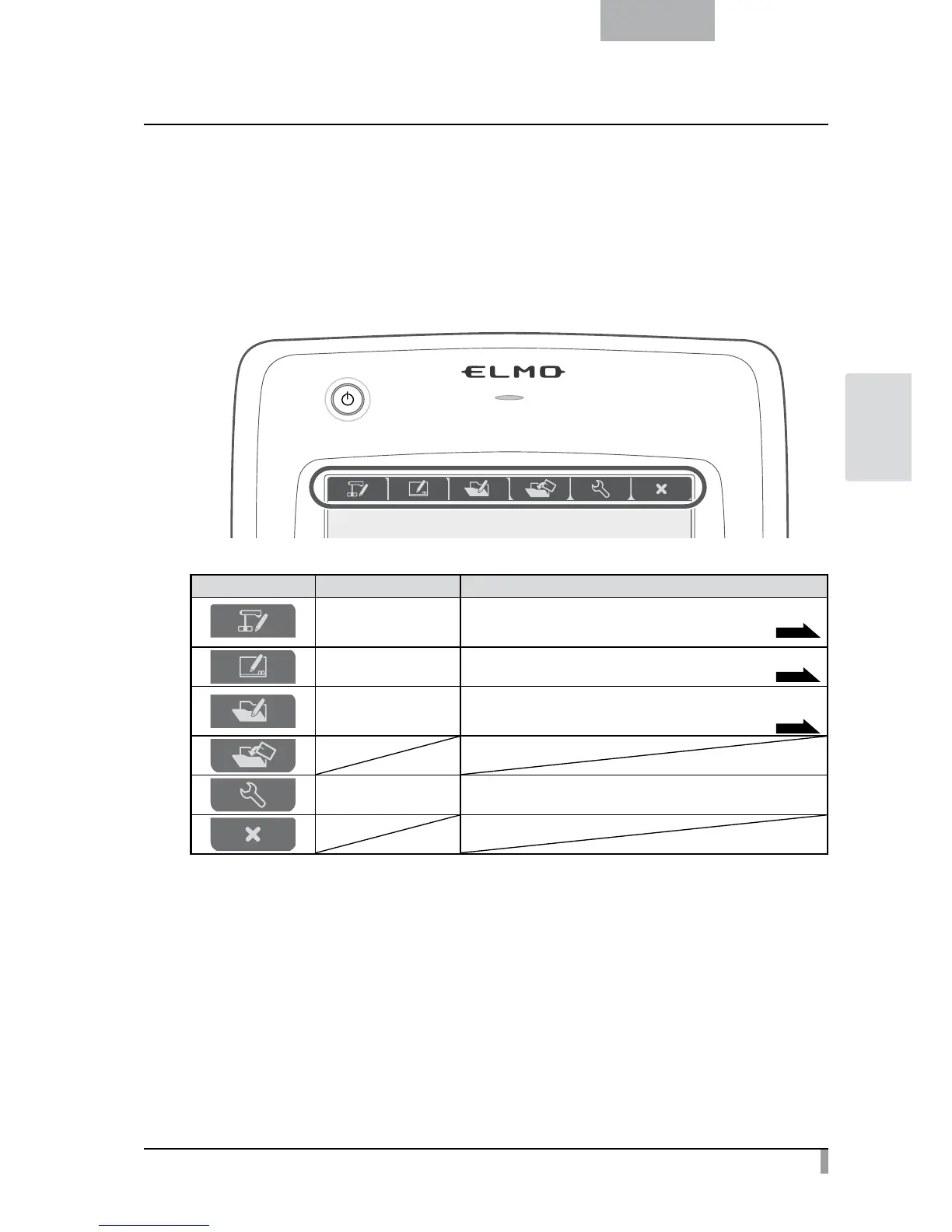
To use the pen tablet, touch a function key at the top of the tablet and select a mode according to the
situation described in the table below:
Icon Name Function
Write to/work with
camera images
(Camera Mode)
Display an image on the document camera as a background,
and draw on it with the pen tablet.
P.64
Write on a white screen
(Whiteboard Mode)
Display a white image as a background,
and draw on it using the pen tablet.
P.68
Work with/write to
stored data
(Play Mode)
Display images stored on the SD card.
You can draw on the displayed image only when it is a still picture.
You can not draw on a movie with the pen tablet.
P.70
Setting
Specify settings for the pen tablet
(the settings are common to all modes).



 To Next Page