59
English
ADVANCED
OPERATIONS
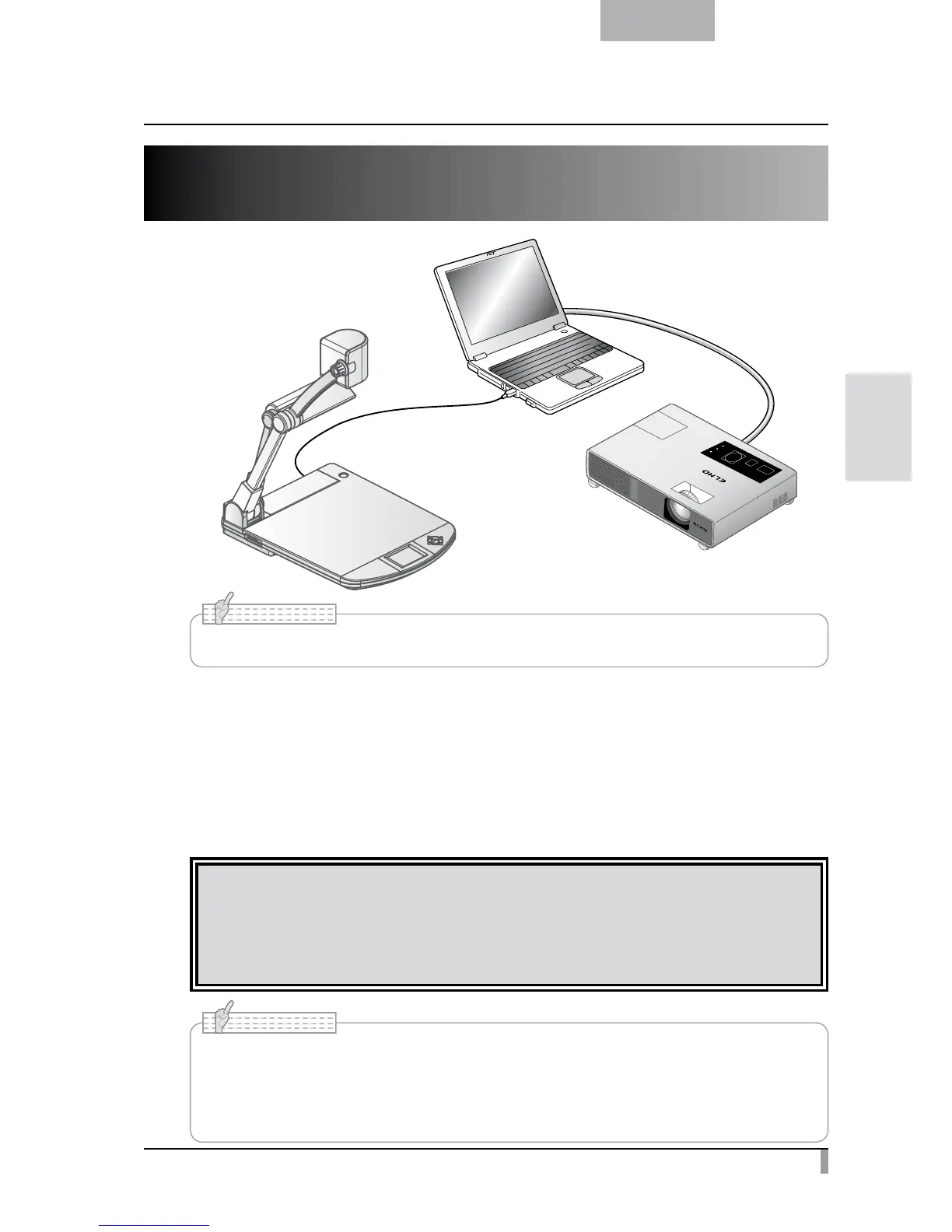
3-3 Presentation using a USB-connected
PC with the supplied software
• Set [USB Mode] to [Application] from the Preferences menu on the screen.
N o t e
“Image Mate” is available from the supplied CD-ROM.
By using the “Image Mate” software for controlling this equipment included in the CD-ROM, you can
perform the following tasks:
・
Transfer movie/picture data to the PC
・
Operate the product from the PC
For information on the requirements of the connected PC, OS types and the software guides, see the “Image
Mate” installation manual and the “HELP folder” on the CD-ROM.
CAUTION
• Do not connect/disconnect the USB cable while operating the equipment using the operating panel
or remote control. This may cause a malfunction.
•
We recommend using a USB 2.0-compliant USB cable
.
• Depending on the USB environment used by the PC or any peripheral device, image
transfer may be disrupted.
• Operation is not guaranteed for all environments.
• Make sure to disconnect the USB cable before switching [USB Mode] from the OSD menu.
N o t e



 To Next Page