27
English
BASIC
OPERATIONS
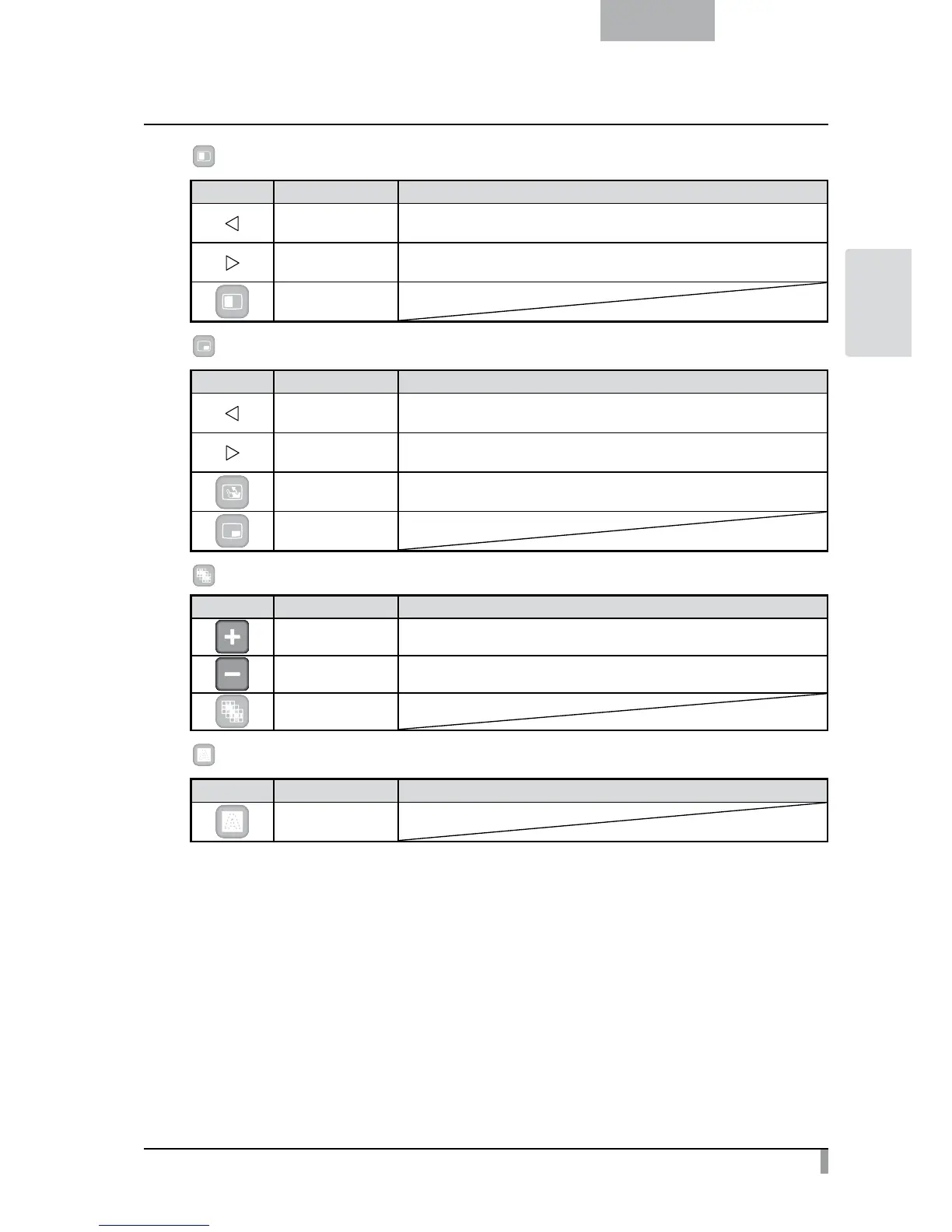
Compare Picture
Icon Name Function
Prev Picture To show the previous picture.
Next Picture To show the next picture.
Exit
PIP
Icon Name Function
Prev Picture To show the previous picture.
Next Picture To show the next picture.
Change Window To switch the sub screen and the main screen.
Exit
Mosaic
Icon Name Function
Coarse To make the mosaic pattern coarser.
Fine To make the mosaic pattern finer.
Exit
Marker Mask
Icon Name Function
Exit



 To Next Page