54
English
ADVANCED
OPERATIONS
②
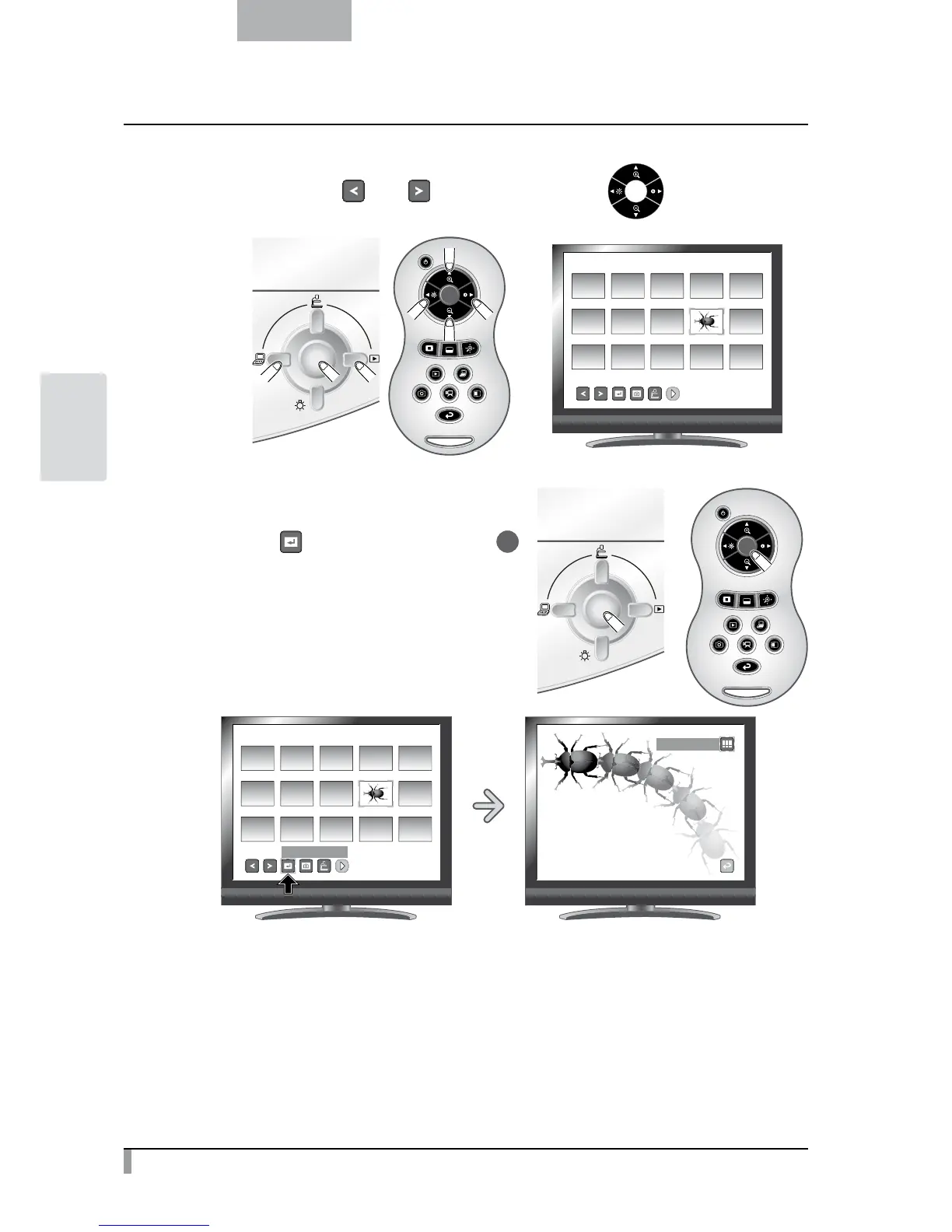
Select the movie you want to display full-screen.
Move the cursor with [
] and [ ] buttons in the menu or the [ ] button on the remote
control.
SD/Movie
001/003
③
Select the movie you want to display full-screen.
Press the [
] button in the menu or the [ ]
button on the remote control.
The movie automatically starts to play.
SD/Movie
001/003
Full-Screen Display
Thumbnail Display



 To Next Page