56
English
ADVANCED
OPERATIONS
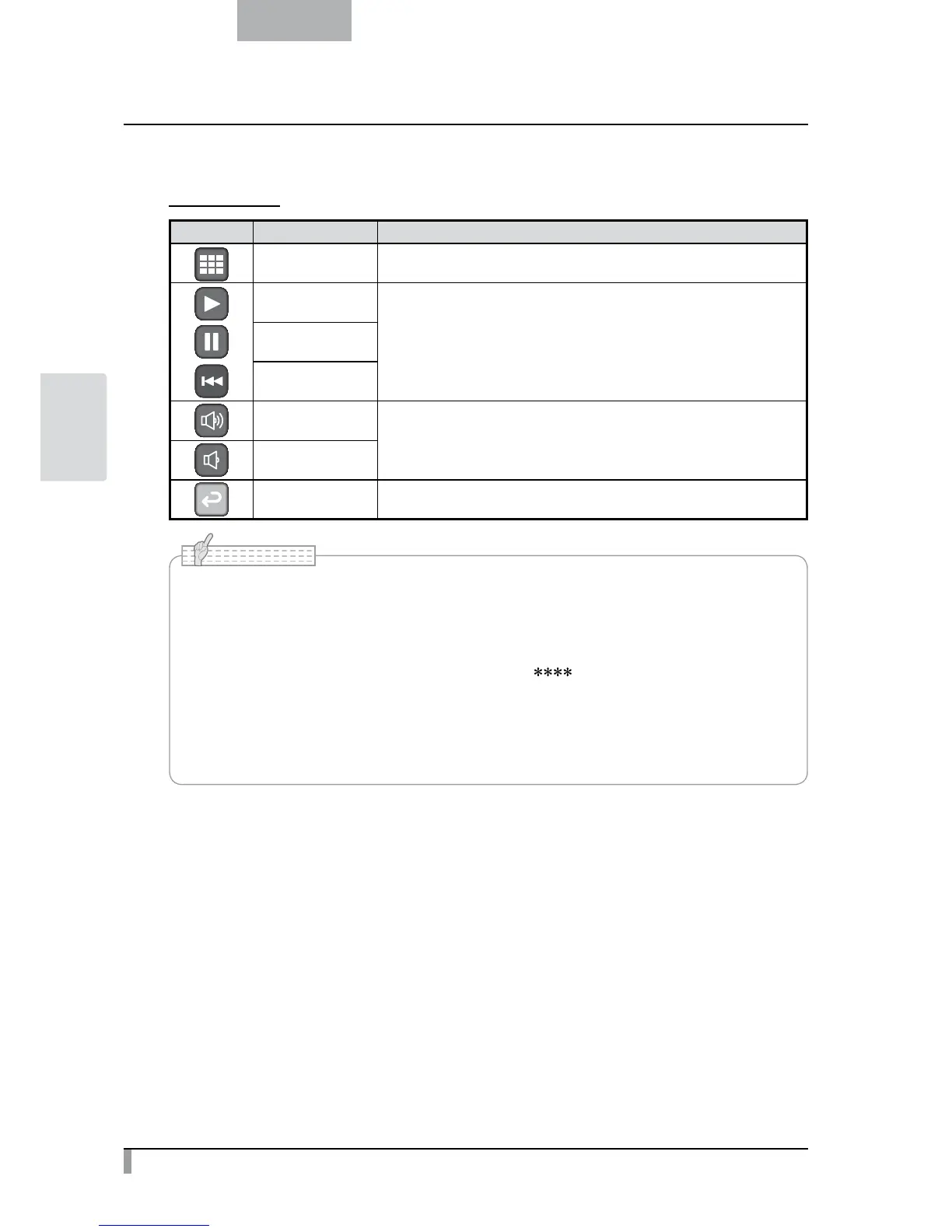
Menu descriptions
Movie Menu
Icon Name Function
Thumbnail Display
To display thumbnails (a list of pictures or movies).
Play
To play/stop/cueing the movie.
Pause
Cueing
Up
To set the output audio volume.
Down
Exit To go back one layer in the menu.
• You may not be able to display image data other than that saved in this product or
converted using the conversion function of the software supplies.
• File Converter cannot convert movies.
• You cannot display pictures other than DCF system compliant files.
• Movie files that have the file name other than “MVI_ .MP4” cannot be displayed.
• Only picture files and movie files that are saved under the folder ¥DCIM¥100_ELMO on the
memory card can be playback.
• Use the File Converter of the supplied Image Mate software to convert the image files
taken with a digital camera to the files viewable with the unit.
N o t e



 To Next Page