76
English
ADVANCED
OPERATIONS
④
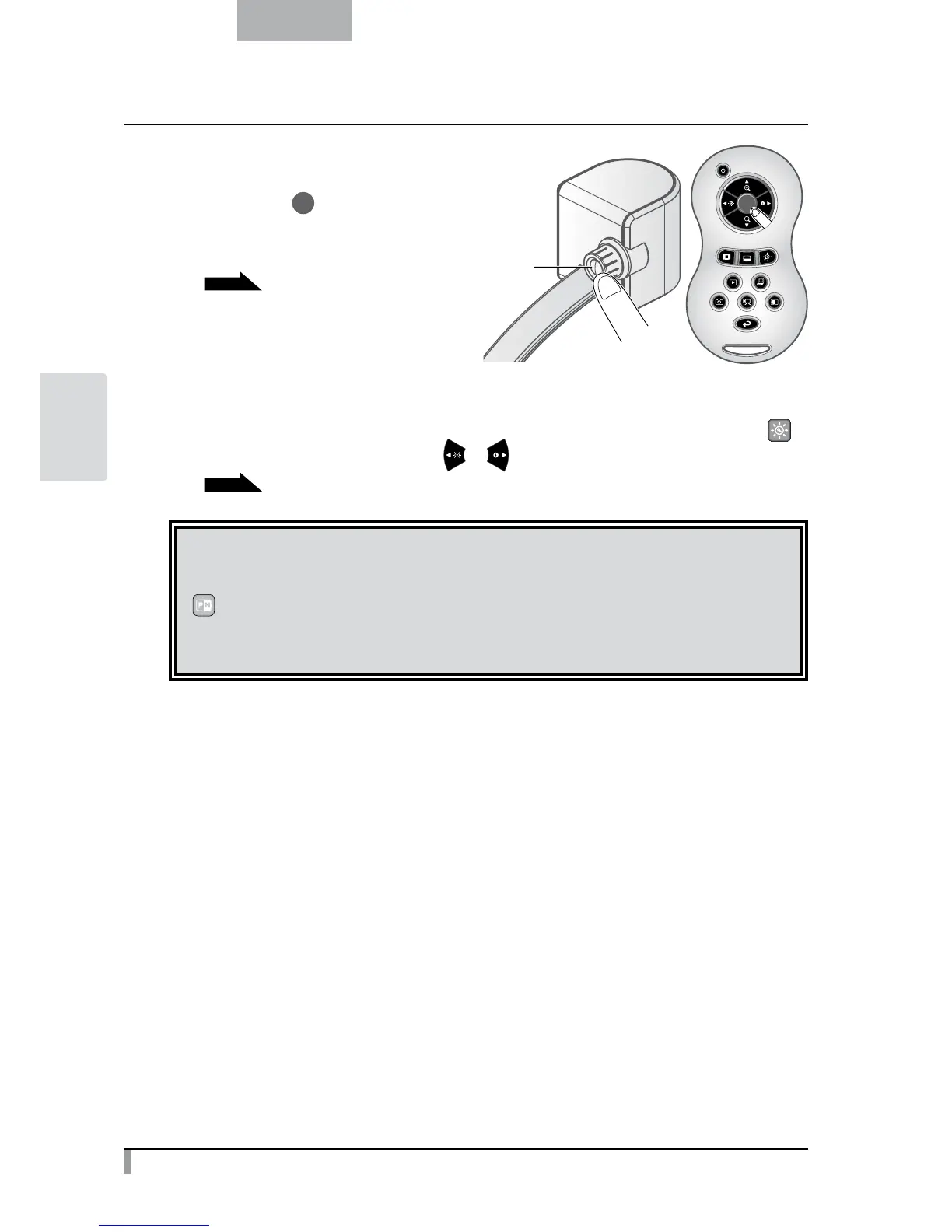
Adjust the focus.
Press the [
] button on the camera head
or the remote control to bring the image
into focus.
P.16
⑤
Adjust the brightness.
If the screen is too bright or too dark, adjust the brightness by selecting [
]
in the OSD menu or pressing [ / ] buttons on the remote control.
P.18
CAUTION
According to the film to be used, switch the display settings between [Posi] and [Nega] by selecting
[
] from the [Support Function] menu.
If the screen looks still dark after adjusting the brightness, put a white sheet or the like on the stage
and then set the slide shooting adapter. It may improve the brightness.
AF button on
the main unit



 To Next Page