39
DELETING FILES
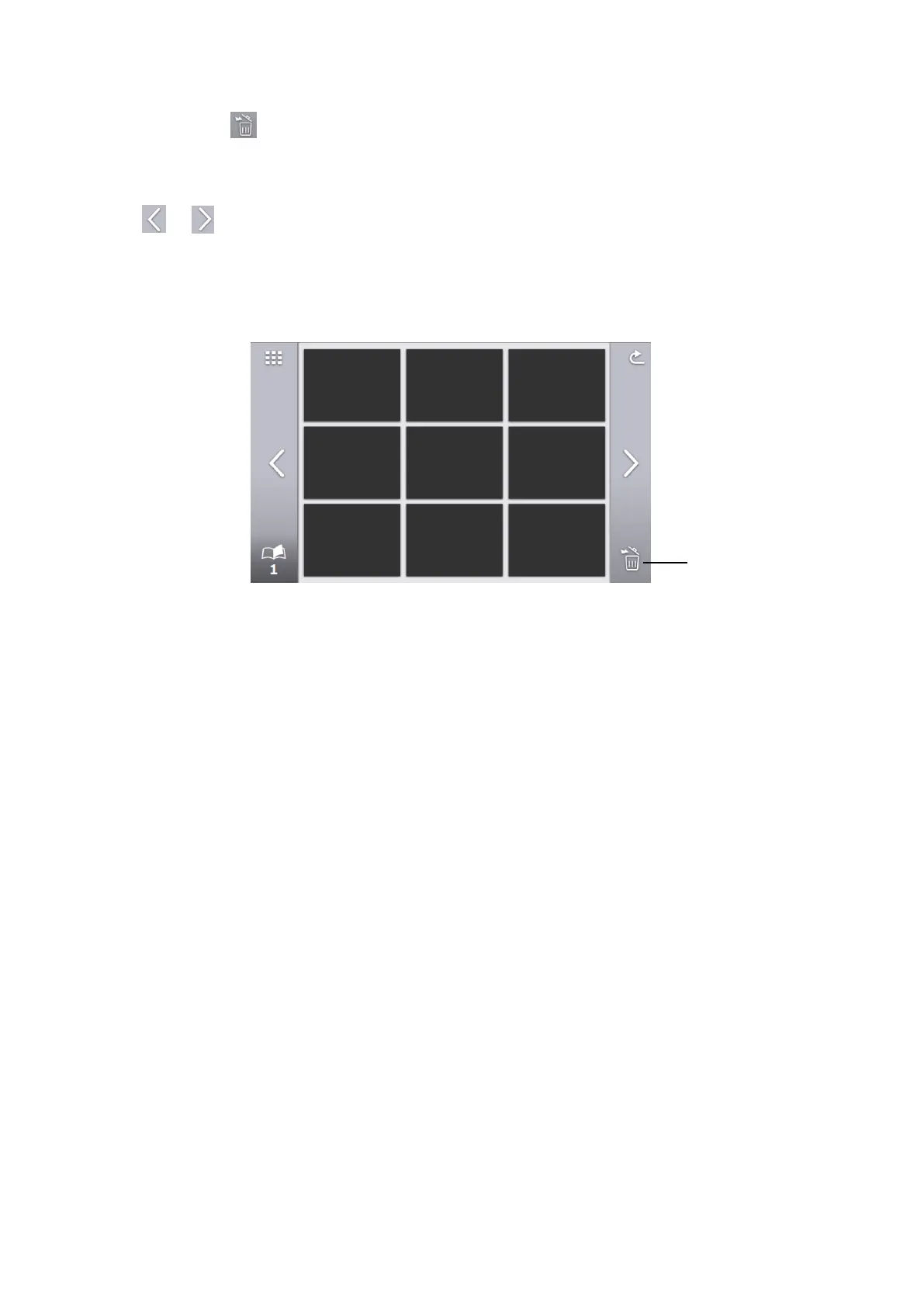
Tap the Delete icon [ ] to enter the File delete mode. (A checkbox appears on the Delete icon in the File
delete mode.)
Tap the file to be deleted to put a check mark in the check box. (Multiple files can be selected.)
※Tap the selected file again to deselect it.
※Use [ ][ ] icons to move between pages. It is possible to select or delete files across multiple
pages.
Tap the Delete icon again to delete the selected file.
※Tap the Return icon to exit the File delete mode.



 To Next Page