21
Model 8300
Replacing thread cutter
To check thread cutter function
To check:
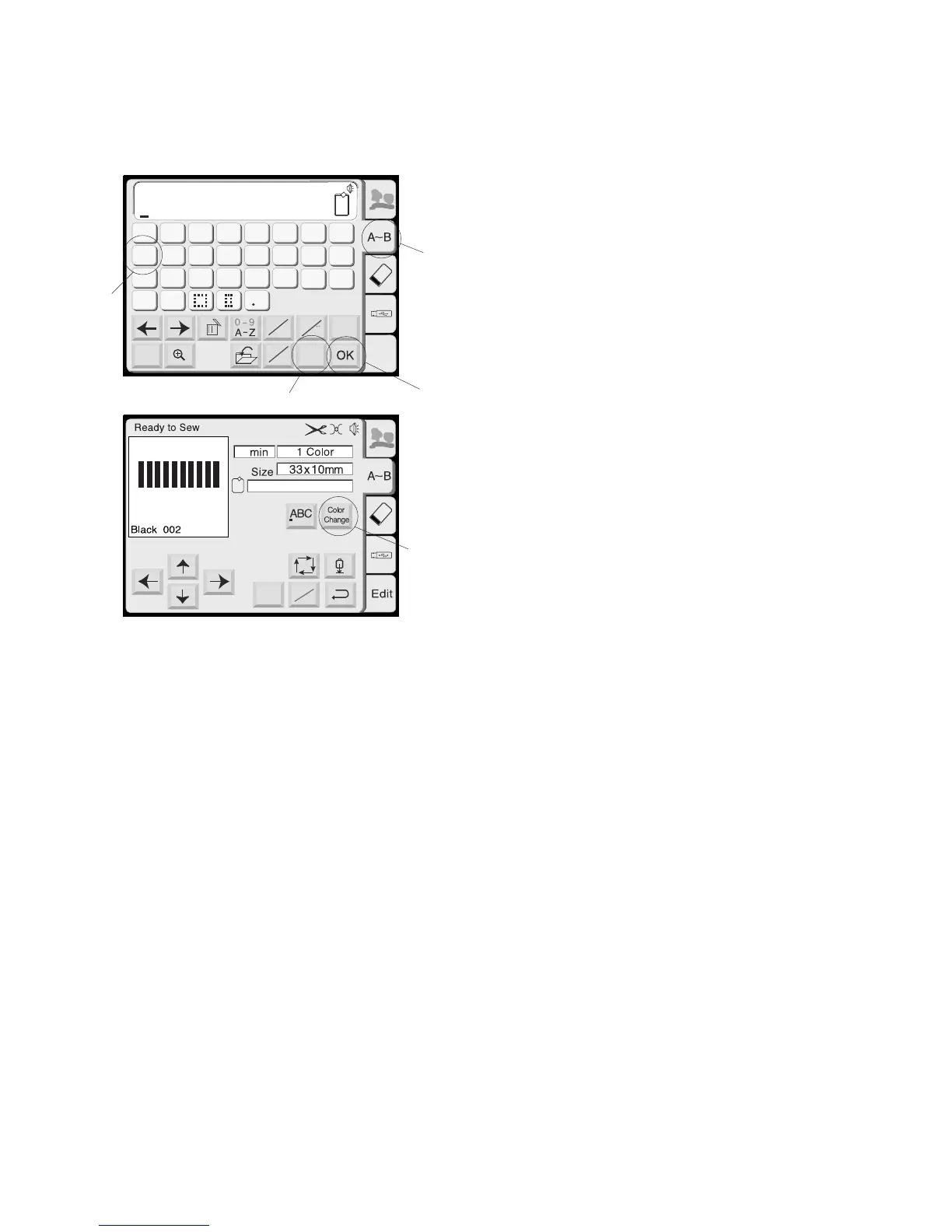
1. Select monogramming.
2. Select letter size “S”.
3. Press “I” 10 times. Press OK key.
4. Press “Color change” key.
4
A(F):126x110mm
Mode
Jog
ST
2
AB
AB
G
H
IJKL
M
N
OP
Q
RST
U
V
W
X
YZ
A
B
C
DEF
AB
B
Gothic
Edit
A
a
A
A
Font
L
M
Mode
S
5. Set the hoop and start sewing.
The thread should be cut automatically each time
after letter “I” is finished.
1
2
3
3
4



 To Next Page