24
Model 8300
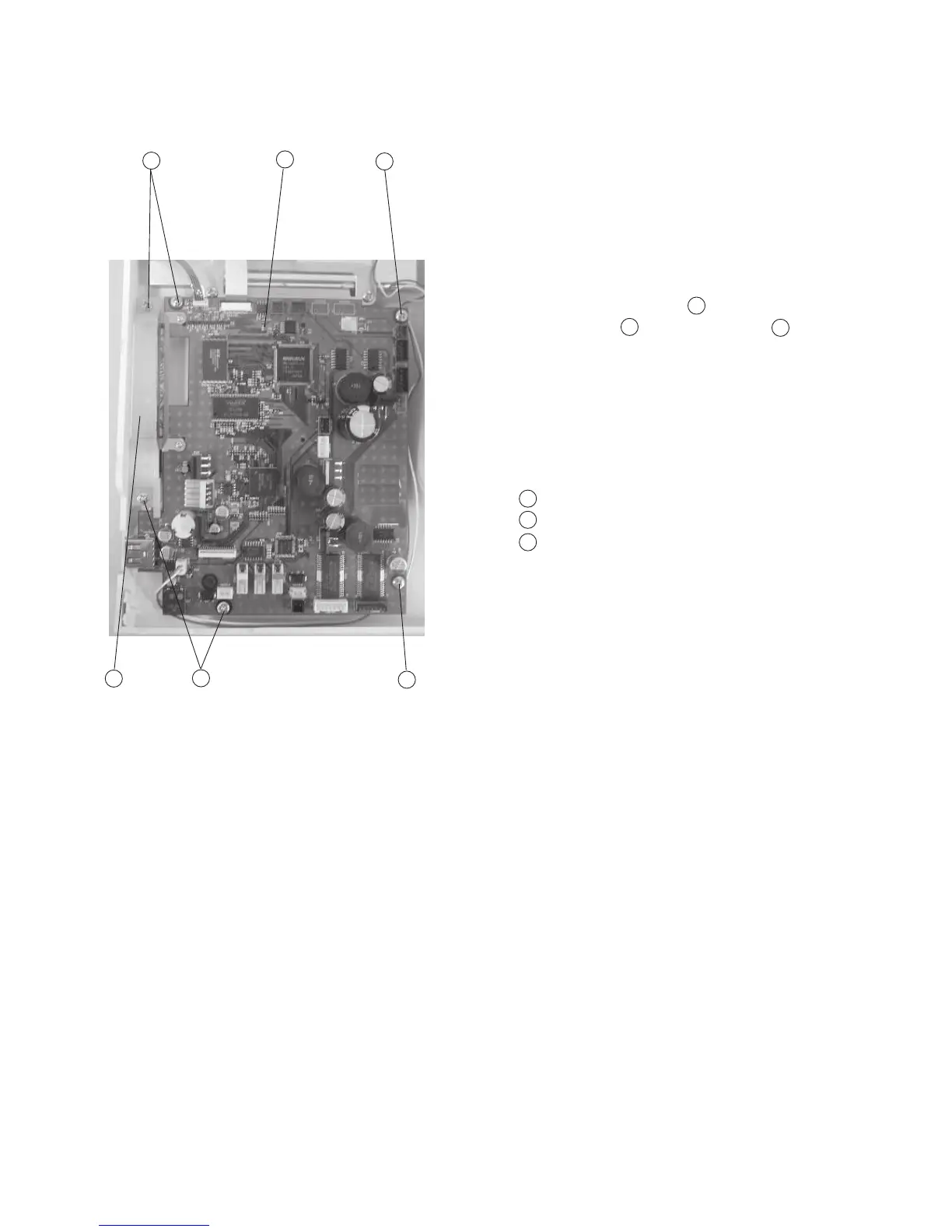
Replacing Printed Circuit Board A
To remove:
1 Remove the front cover. (See page 8)
2 Pull out the connectors of printed circuit board F
LCD Harness, Inverter and Touch panel.
3 Remove Screws (6 pcs.) and the Printed
circuit board A with the Card guide .
To attach:
4 Follow the above procedure in reverse.
1
2
1
2
3
3
Setscrew
Printed circuit board A
Card guide
2
1
1
1
3
1



 To Next Page