4
Model 8300
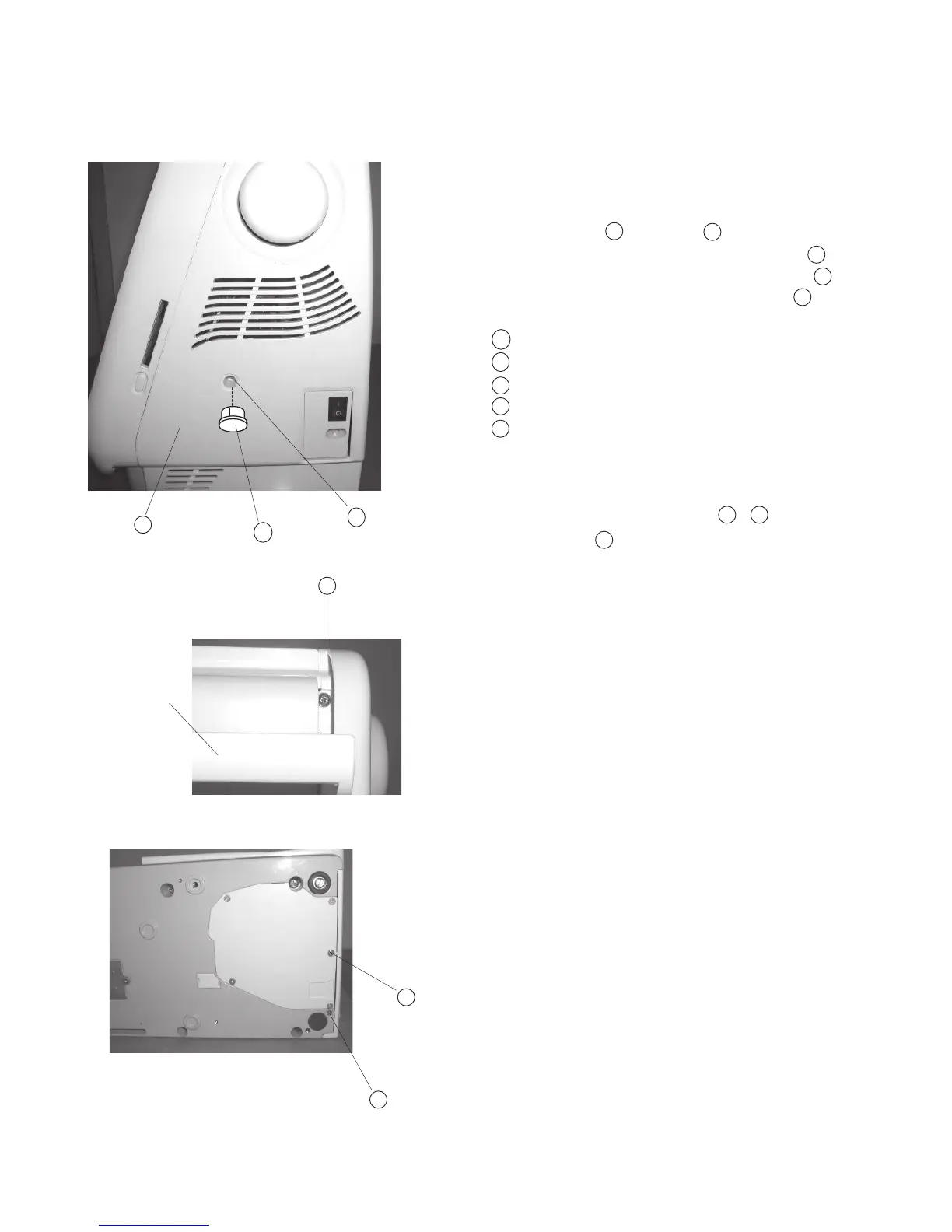
Changing External Parts (2) Belt Cover
Replacing the belt cover
To remove:
1. Remove the Cap and Screw .
2. Raise the Carrying Handle and remove the Screw .
3. Lay the machine on its back and remove Screws
(2 pcs. gold color), then remove the Belt cover .
Cap
Screw
Screw
Screw
Belt cover
To attach:
4. Attach the Belt Cover with Screws - .
5. Attach the Cap .
Handle
A
B
C
D
E
E
D
C
B
A
B D
A
B
A
E
C
D
D



 To Next Page