27
Model 8300
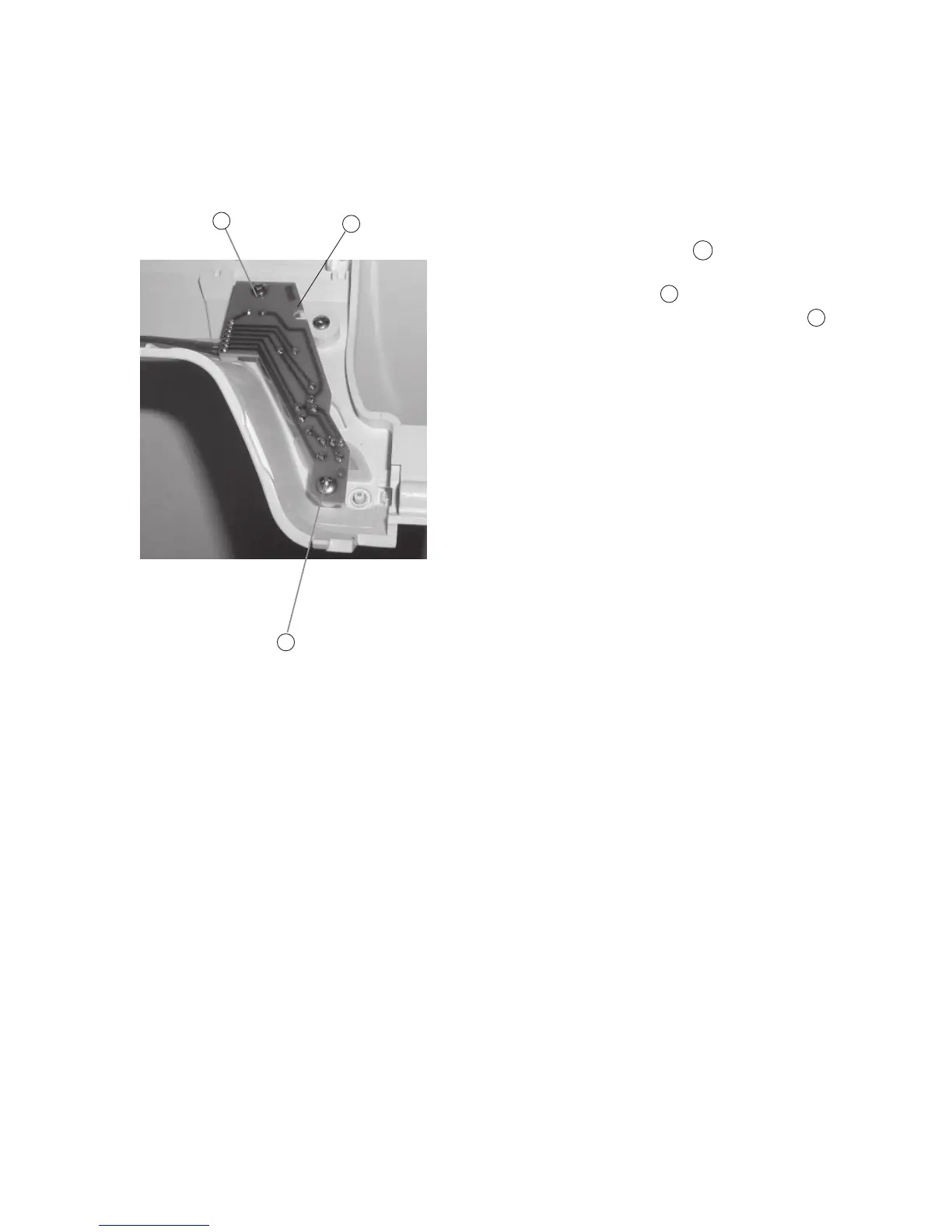
Replacing Printed Circuit Board “F”
To remove:
1. Remove the front cover. (See page 8)
2. Pull out the connector from the printed circuit
board “A” (Mainboard) (See page 25).
3. Remove Screws (2 pieces) and remove
the Printed circuit board “F” (Start/Stop) .
To attach:
4. Follow the above procedure in reverse.
12
A
B
A
A
B



 To Next Page