33
Model 8300
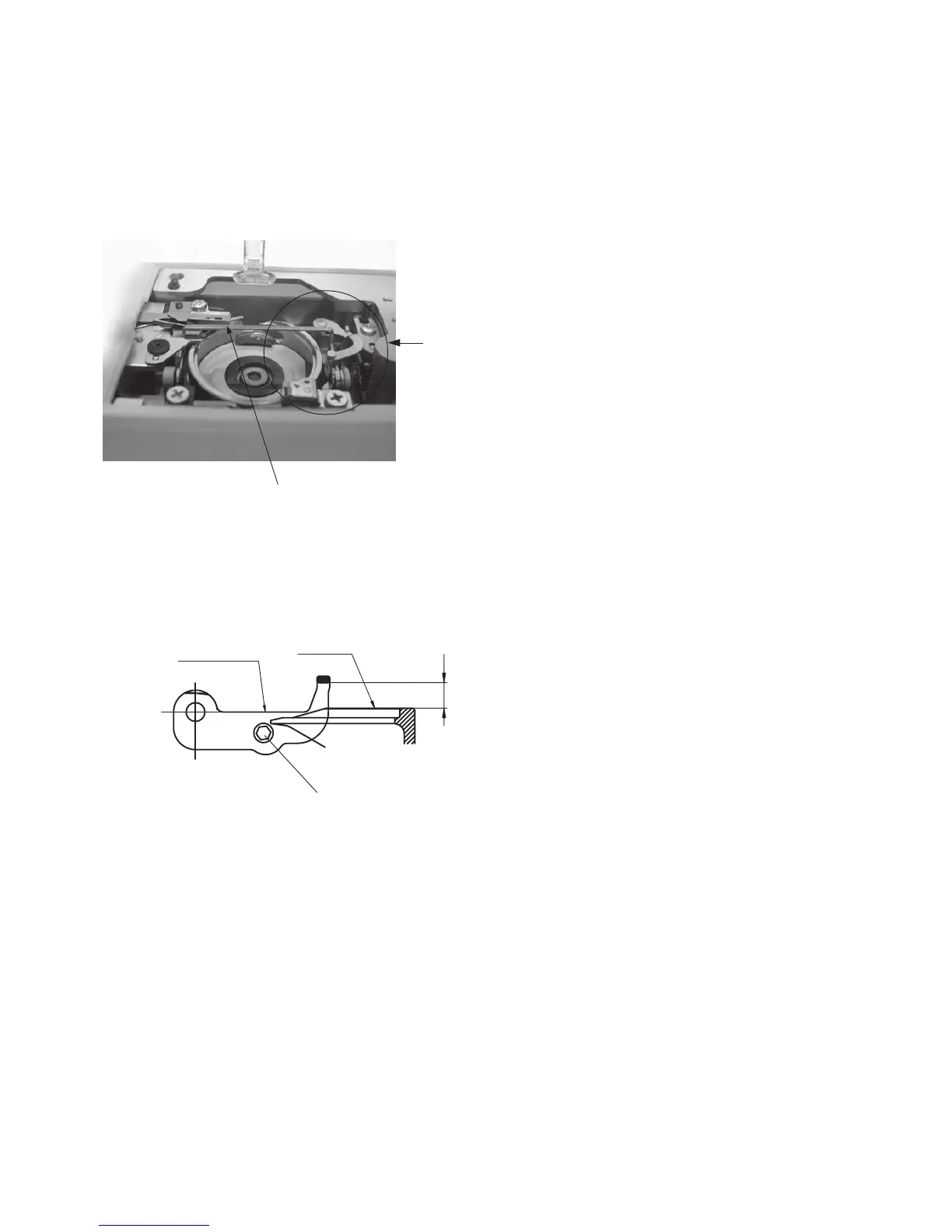
Adjusting Thread Drawing Lever
1 Remove the needle plate.
2 Loosen the hexagonal socket bolt and adjust the
distance of the thread drawing lever by moving the
thread drawing lever.
3 Tighten the hexagonal socket bolt.
4 Attach the needle plate.
Standard height of the thread drawing lever from the surface of bobbin holder should be 4.1 mm.
Thread drawing lever
View A
View A
Tread drawing lever
Surface
of the
bobbin
holder
4.1mm
Hexagonal socket bolt



 To Next Page